Redmi AX5400 Gaming Edition Teardown – No 1G Bottleneck

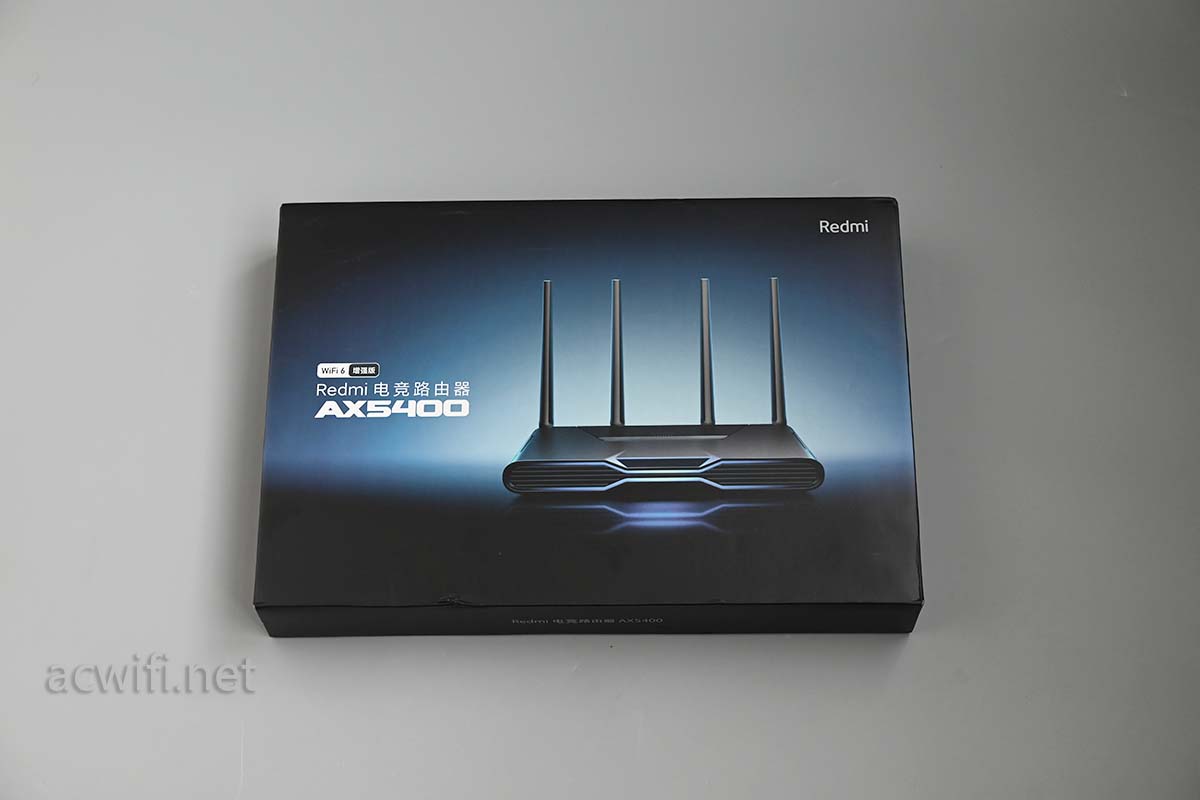
This article shares the internal teardown process of the Redmi AX5400 Gaming Edition router. Before disassembly, the packaging of the Redmi AX5400 looks quite premium:
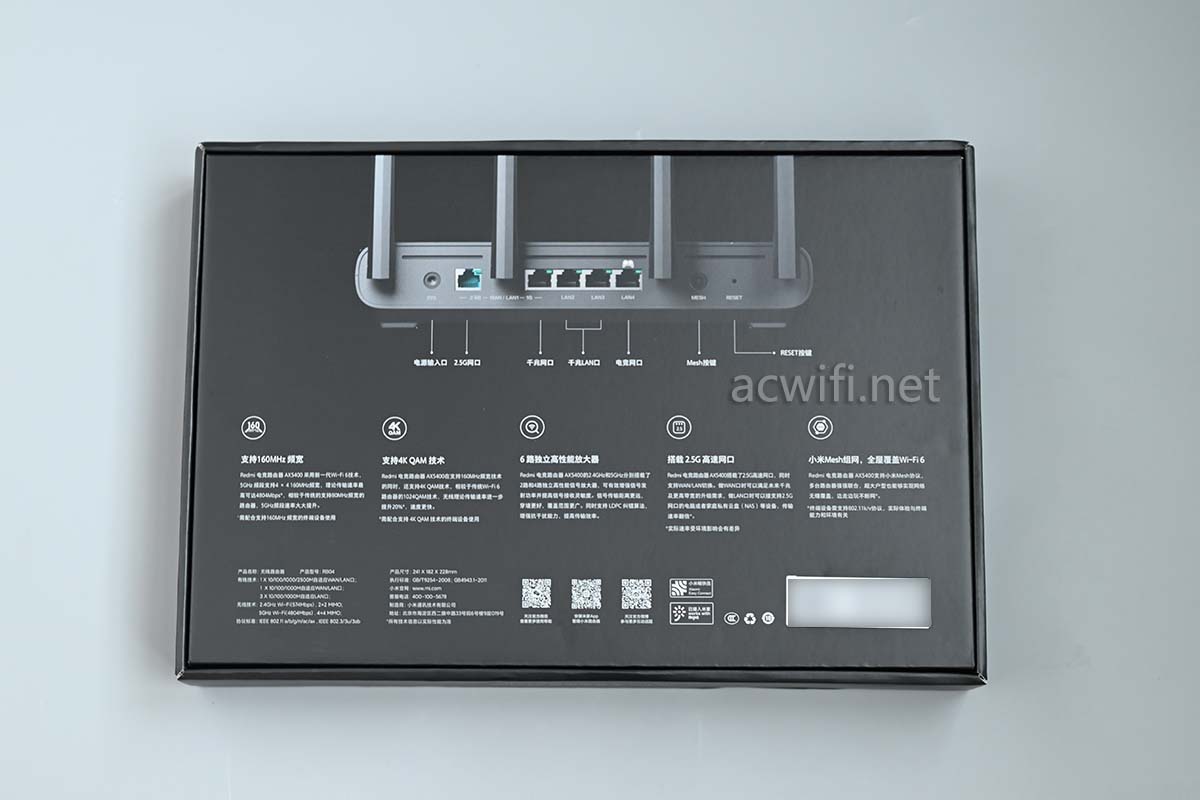
Back of the package:
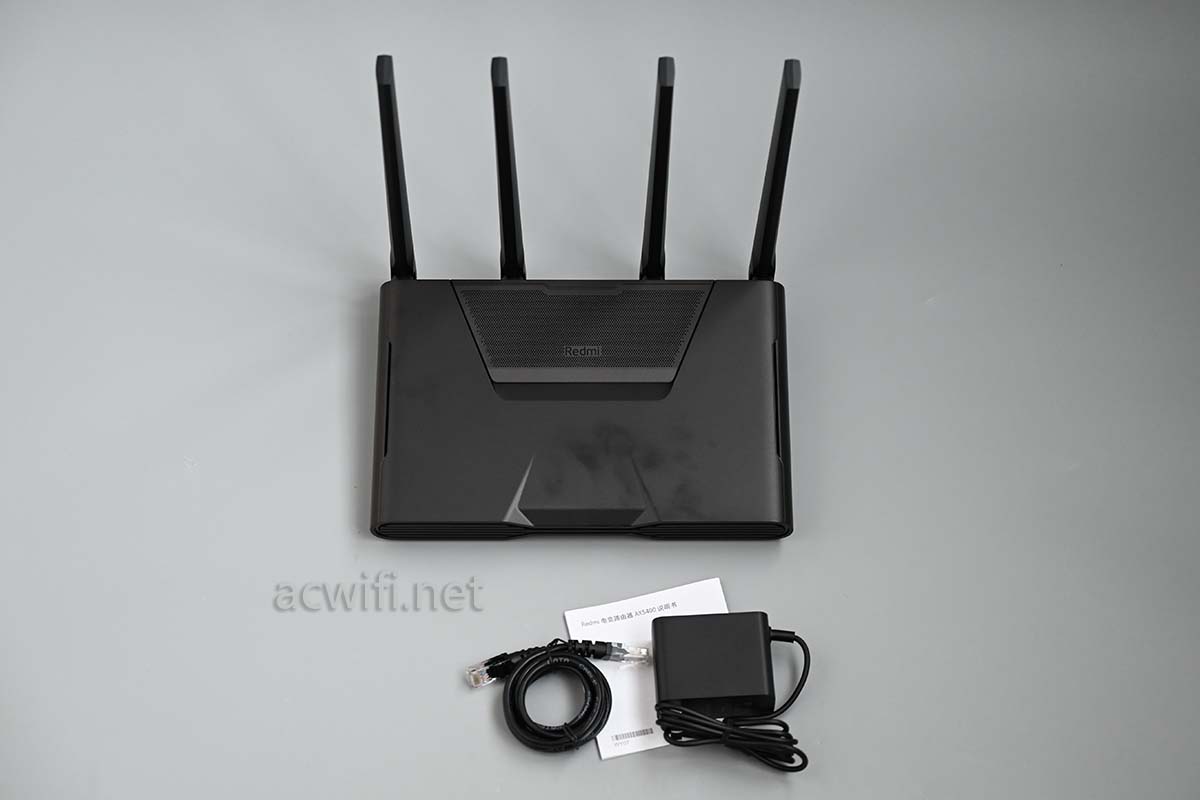
Body and included accessories:
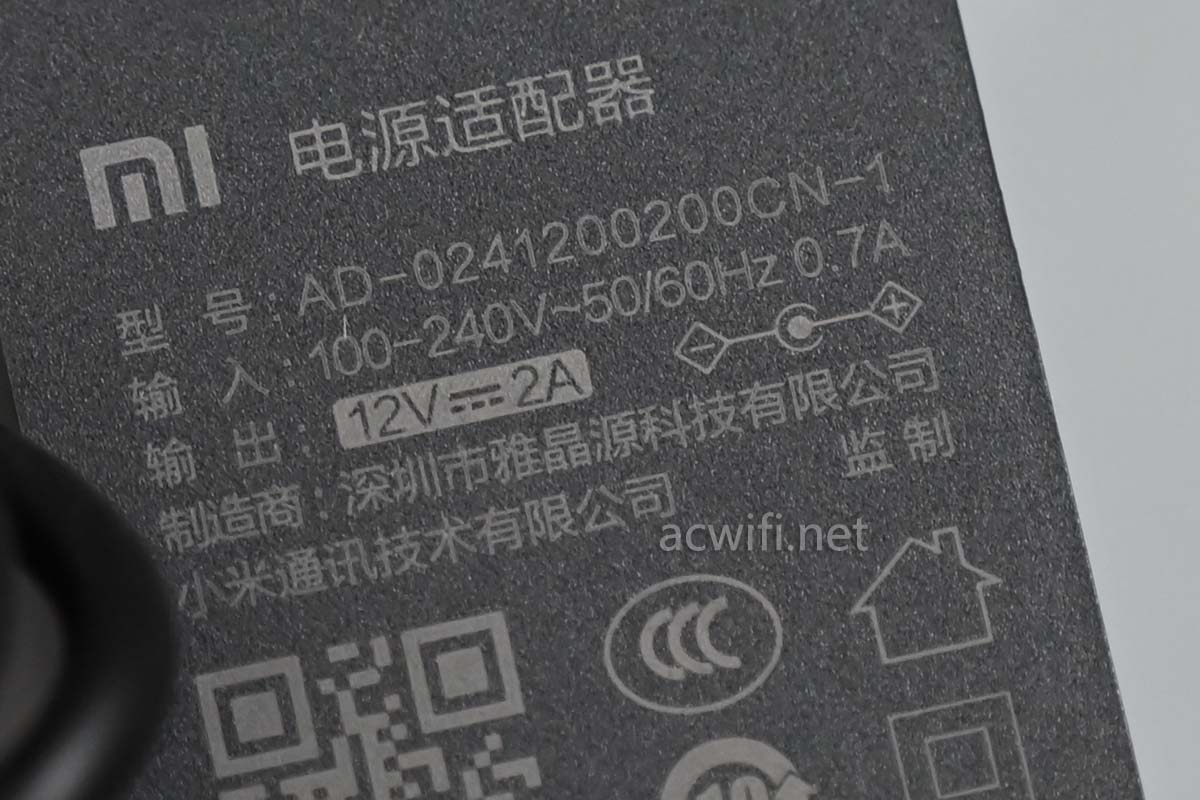
The included power adapter outputs 12V/2A, with a tested standby power consumption of about 8.6W.
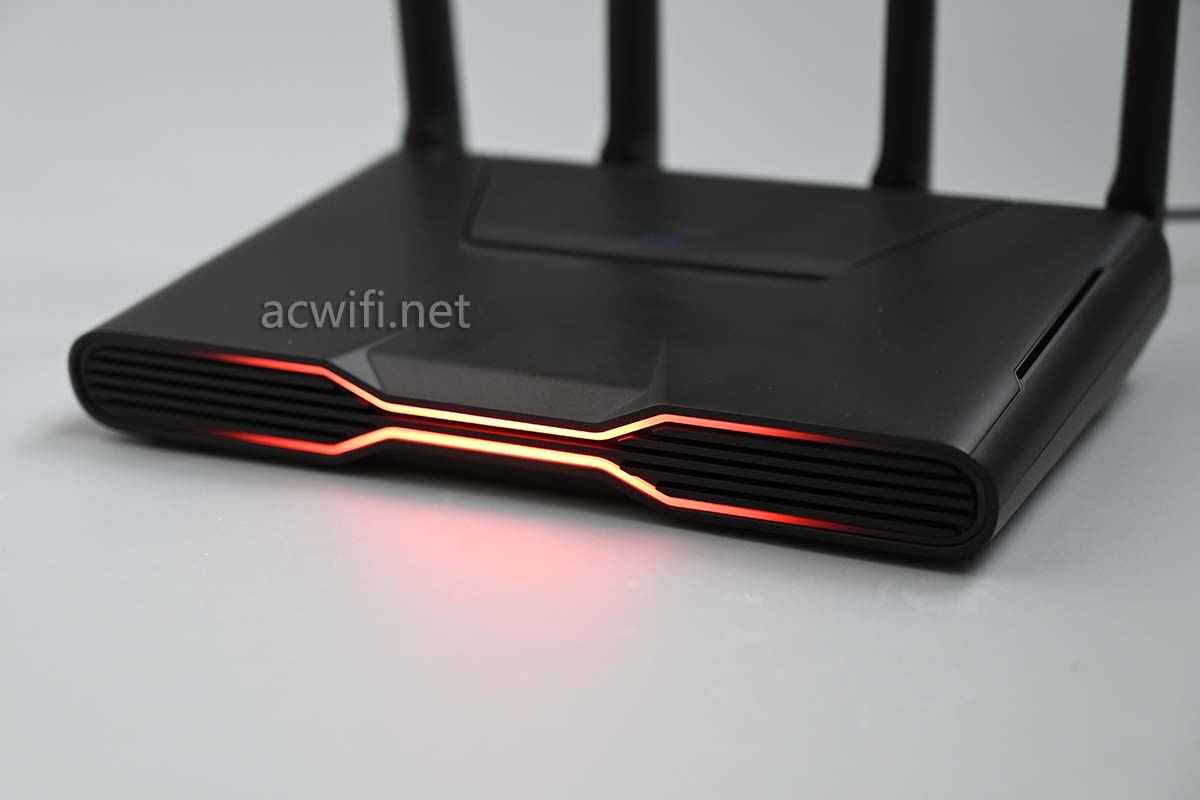
Holding the Redmi AX5400 feels quite heavy, likely due to a massive heatsink inside. The front features impressive RGB lighting effects.
Red tinged with yellow, yellow tinged with orange, as if angry about having so few siblings and having to fight alone against the Xiaomi AX6000.
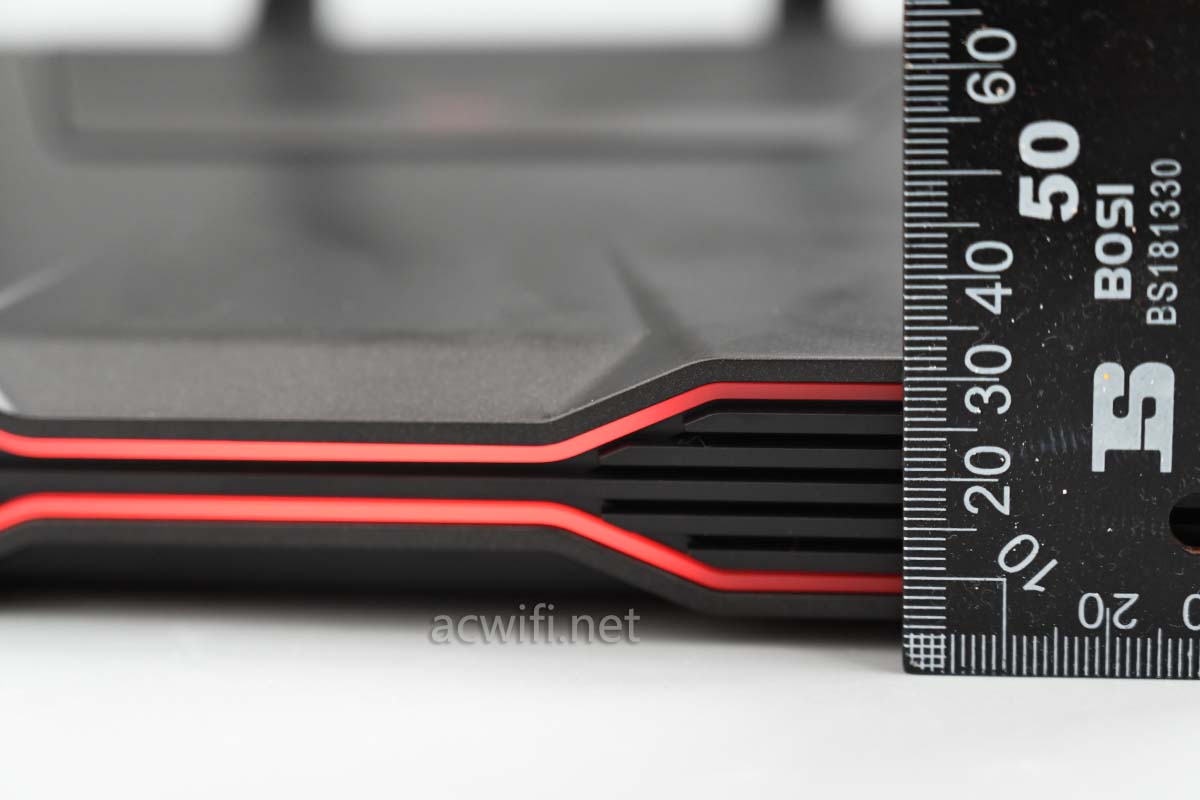
The front of the body is about 3cm high, with moderate thickness:

I. Ports & Bottom Design
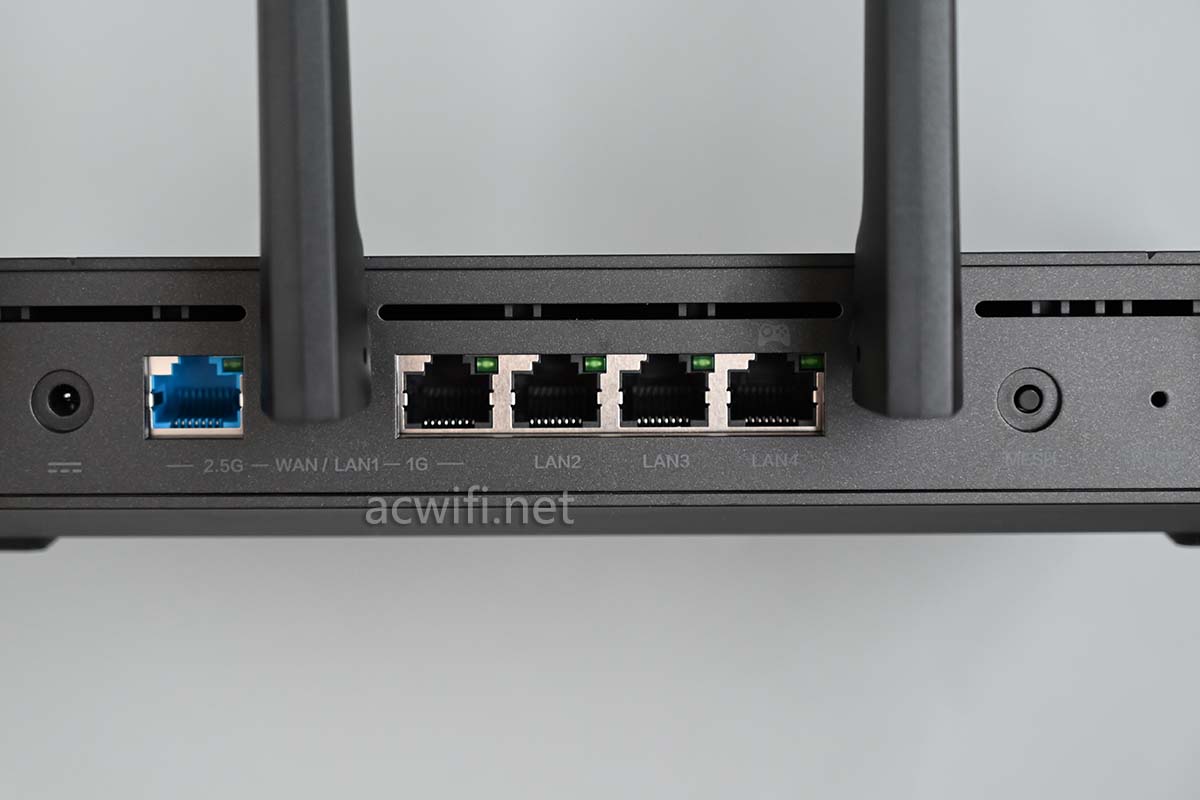
Here are the connection ports on the back. The blue network port supports 2.5GbE and can be configured as WAN or LAN. On the right are 4 Gigabit ports; the first Gigabit port on the left can also function as WAN or LAN.
If you set the first Gigabit port as WAN, the blue 2.5GbE port and that Gigabit port will become WAN1 and WAN2. The current firmware does not allow you to freely customize dual WAN ports, so enabling dual WAN means you will lose the 2.5G LAN port. Hopefully, this design flaw will be fixed via future firmware updates.
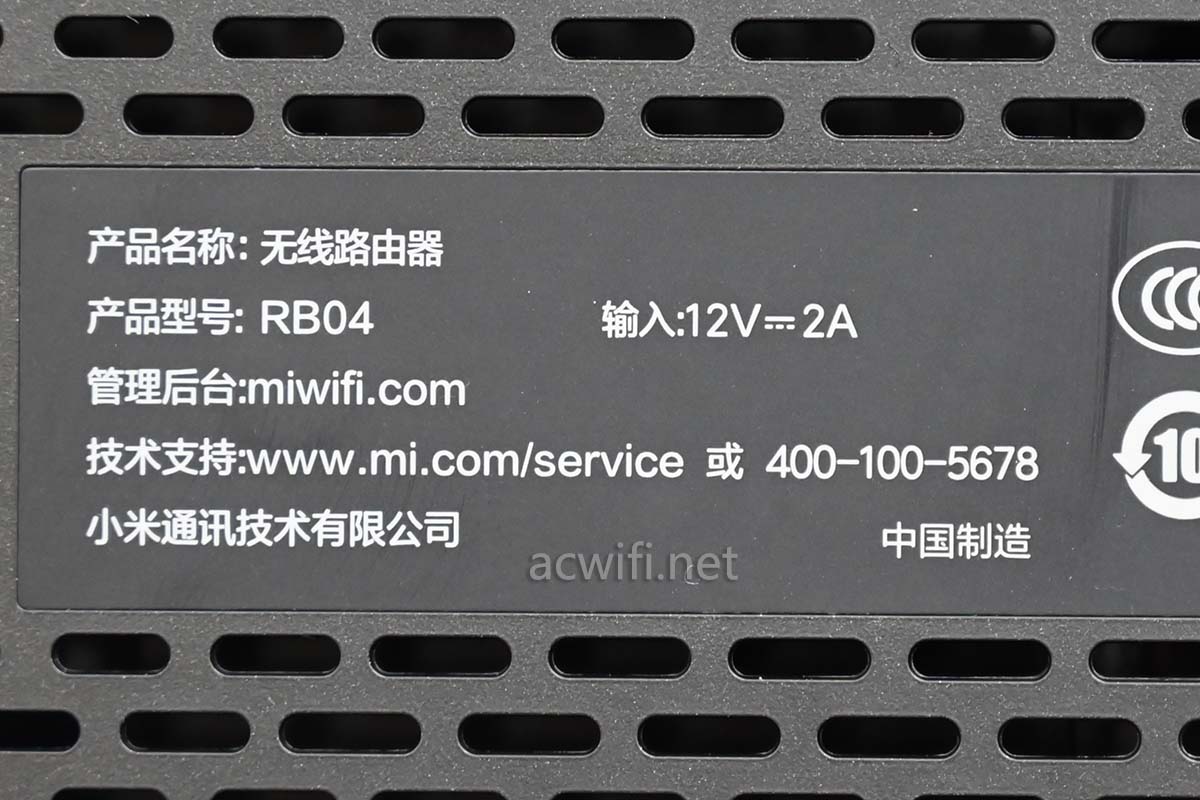
Bottom of the device:
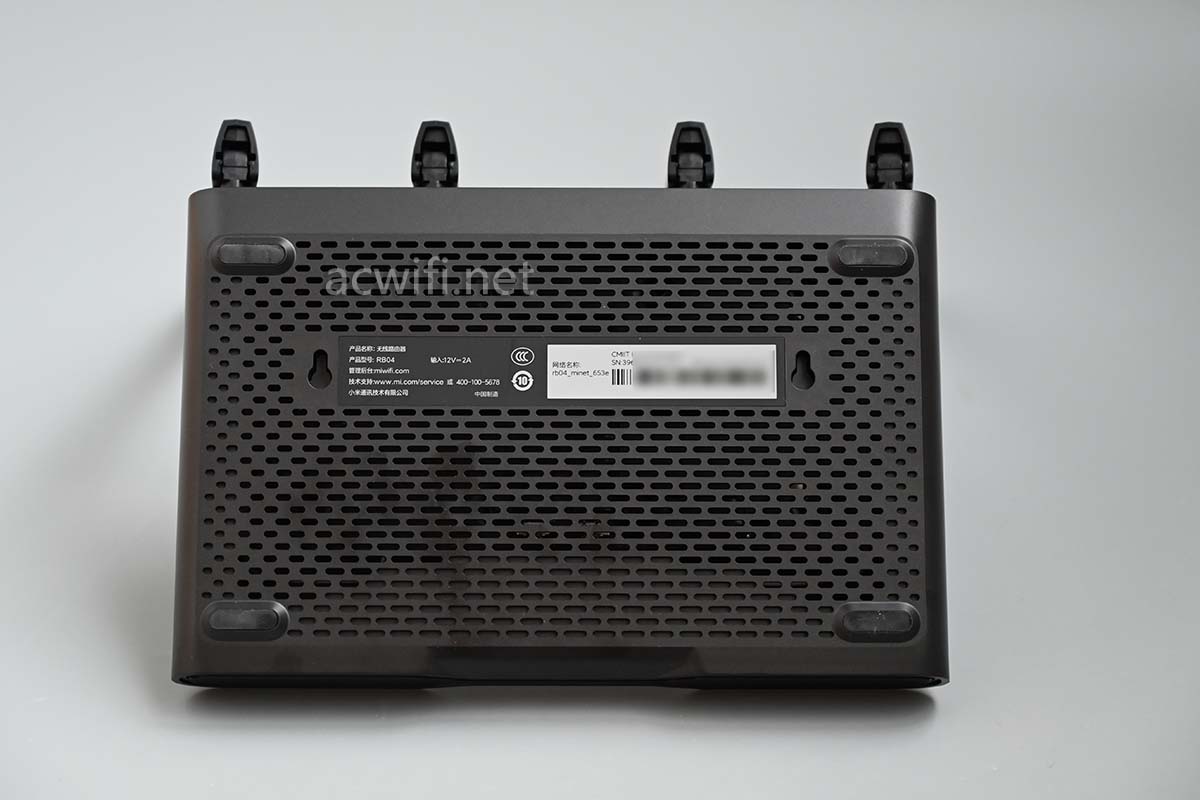
The product model is: RB004
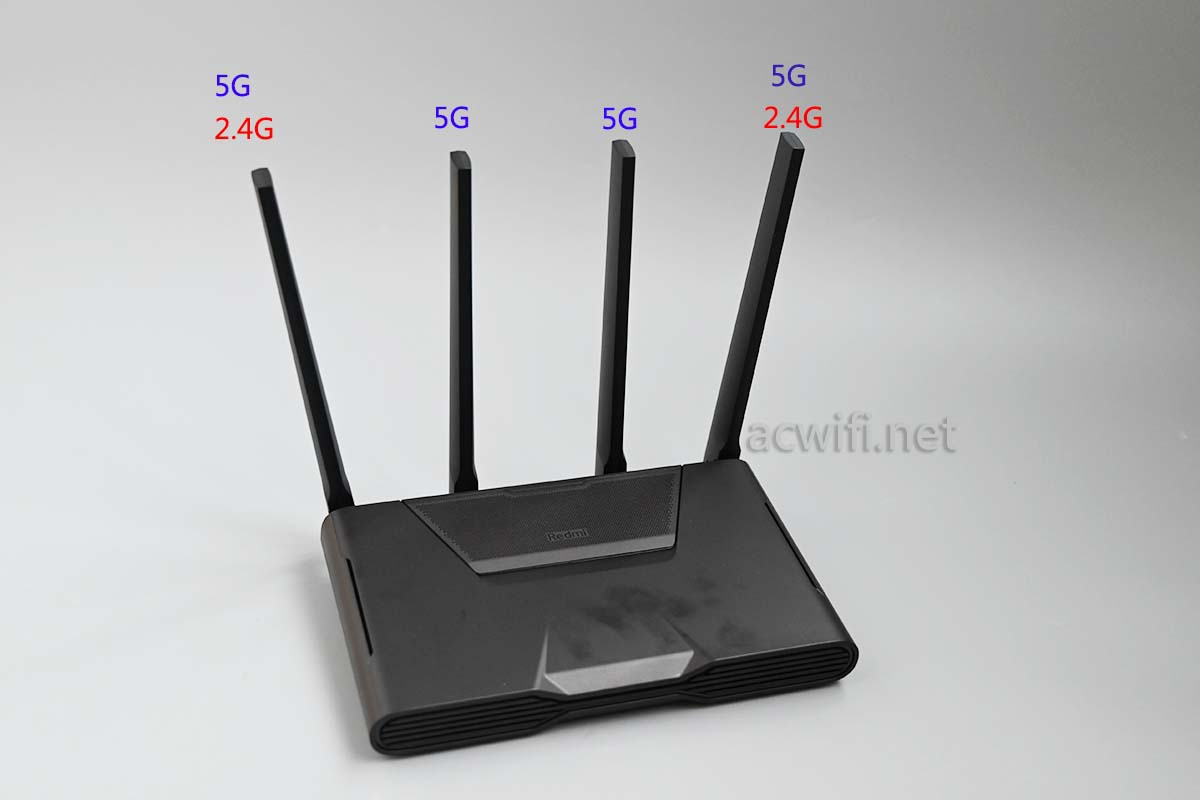
Antenna layout:
II. Disassembly & Heatsink Removal
The bottom panel has 4 screws hidden under the rubber pads and 2 screws under the label. Let’s start the teardown:
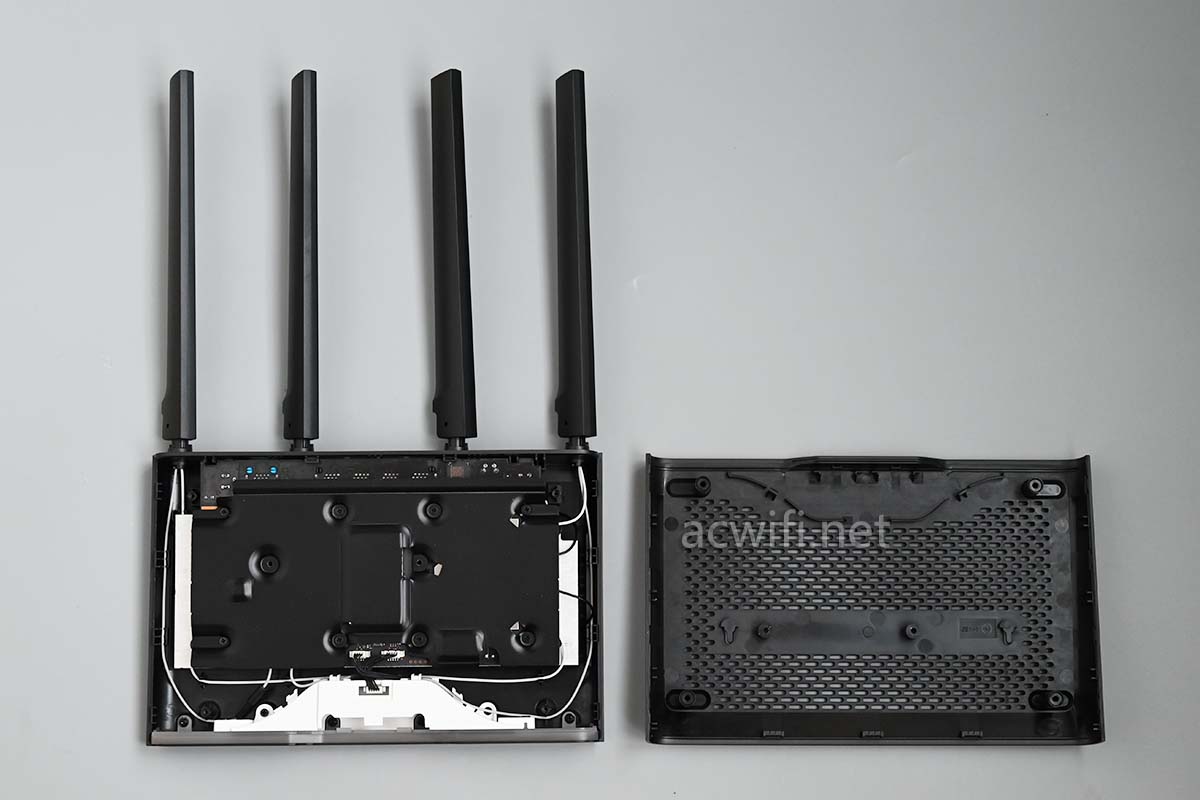
After removing the bottom shell, a large aluminum heatsink is immediately visible:
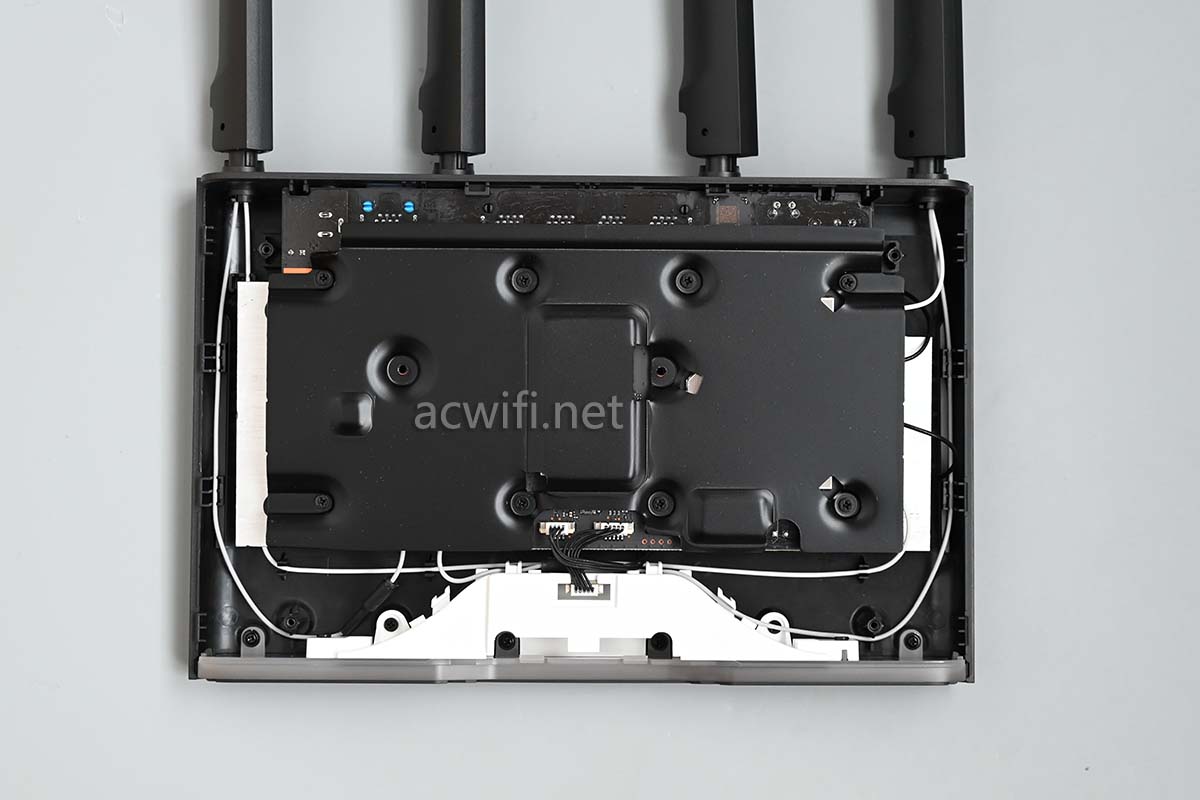
The light diffuser area for the RGB LEDs:
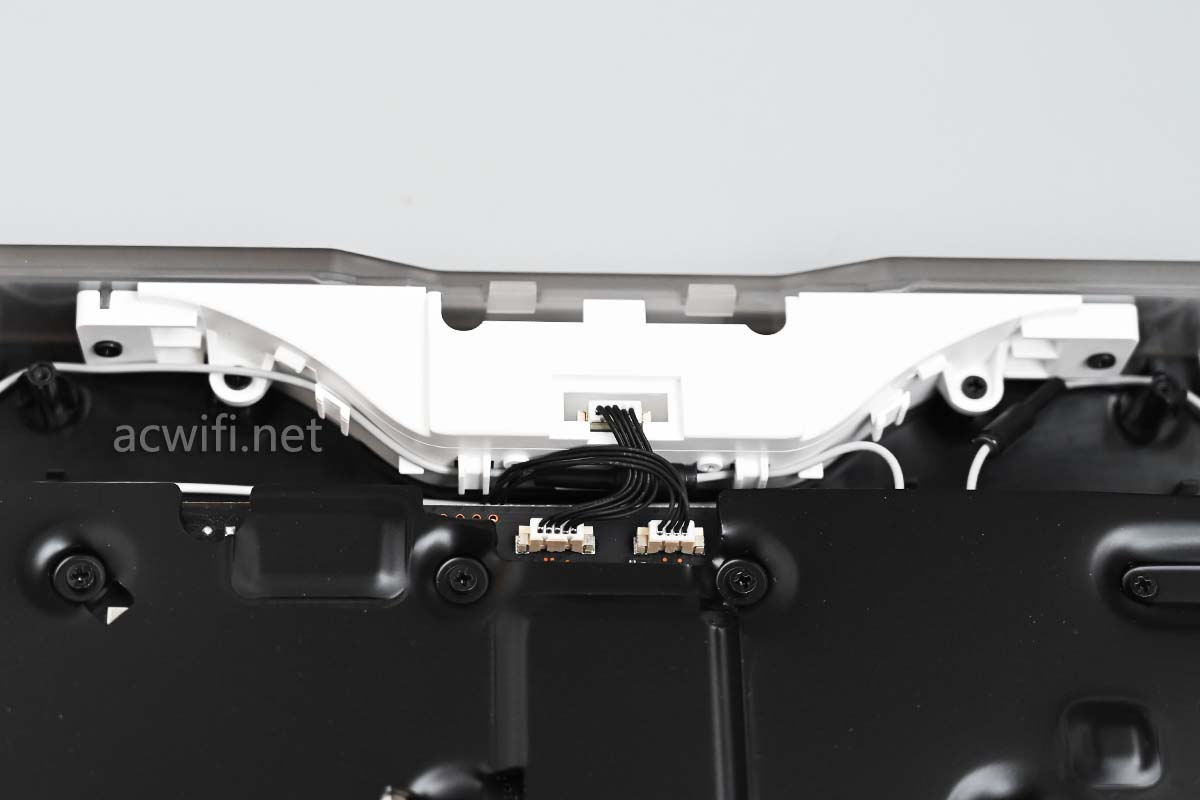
The heavy weight doesn’t solely come from the top heatsink. Beneath the motherboard lies an even thicker and larger aluminum heatsink block:
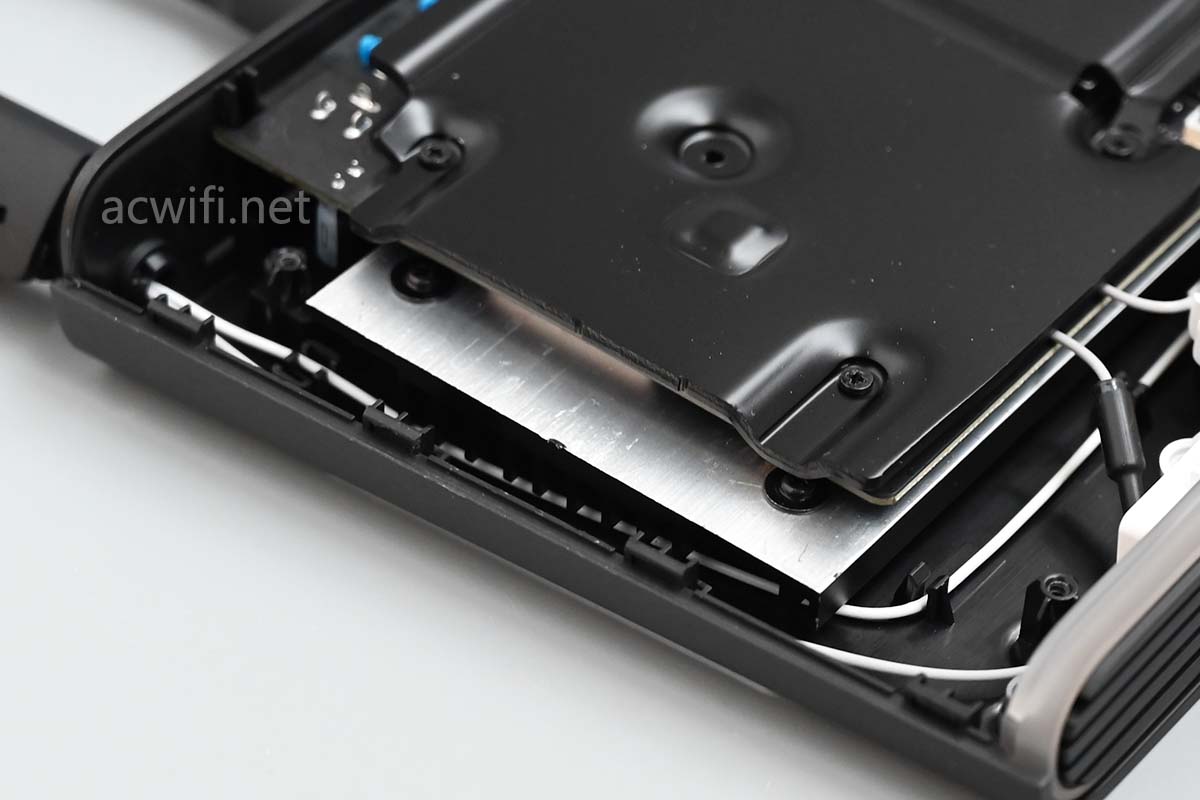
Remove the top screws to take off the heatsink:
Notice the two 2.4G antenna cables equipped with anti-interference ferrite beads:
Lifting the motherboard reveals the massive heatsink underneath:
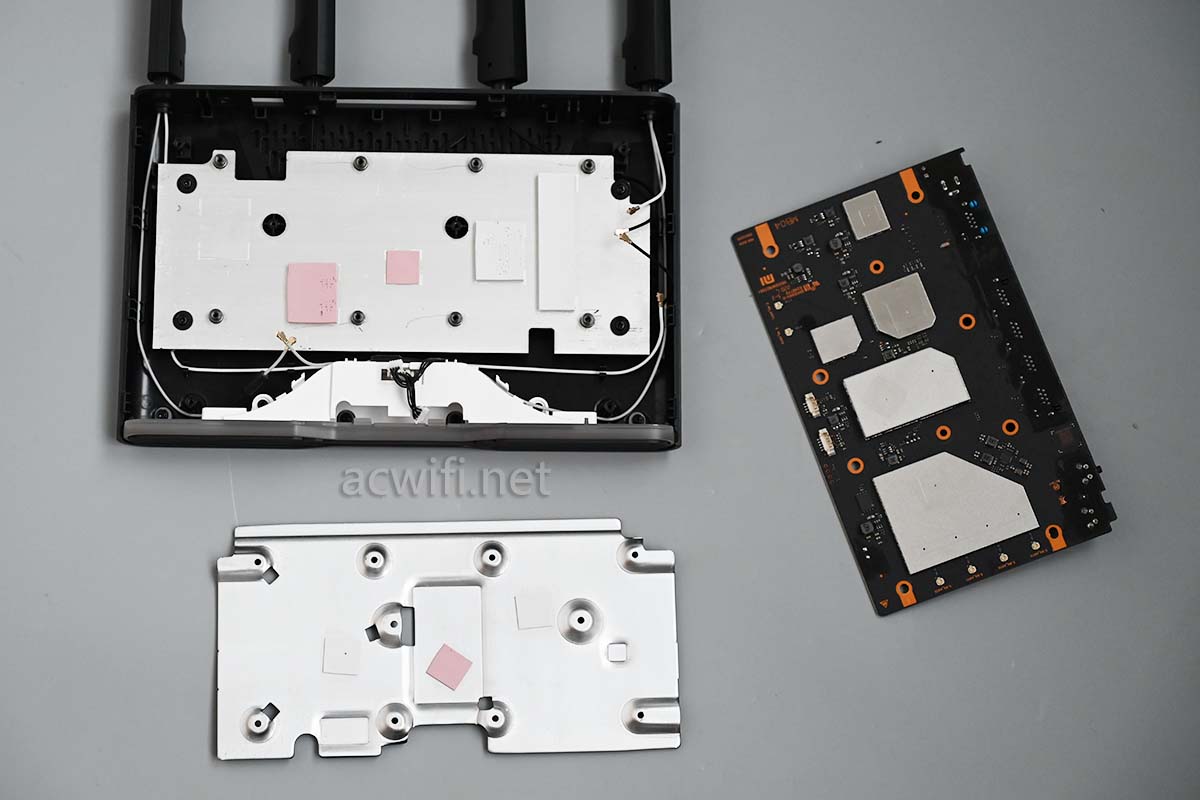
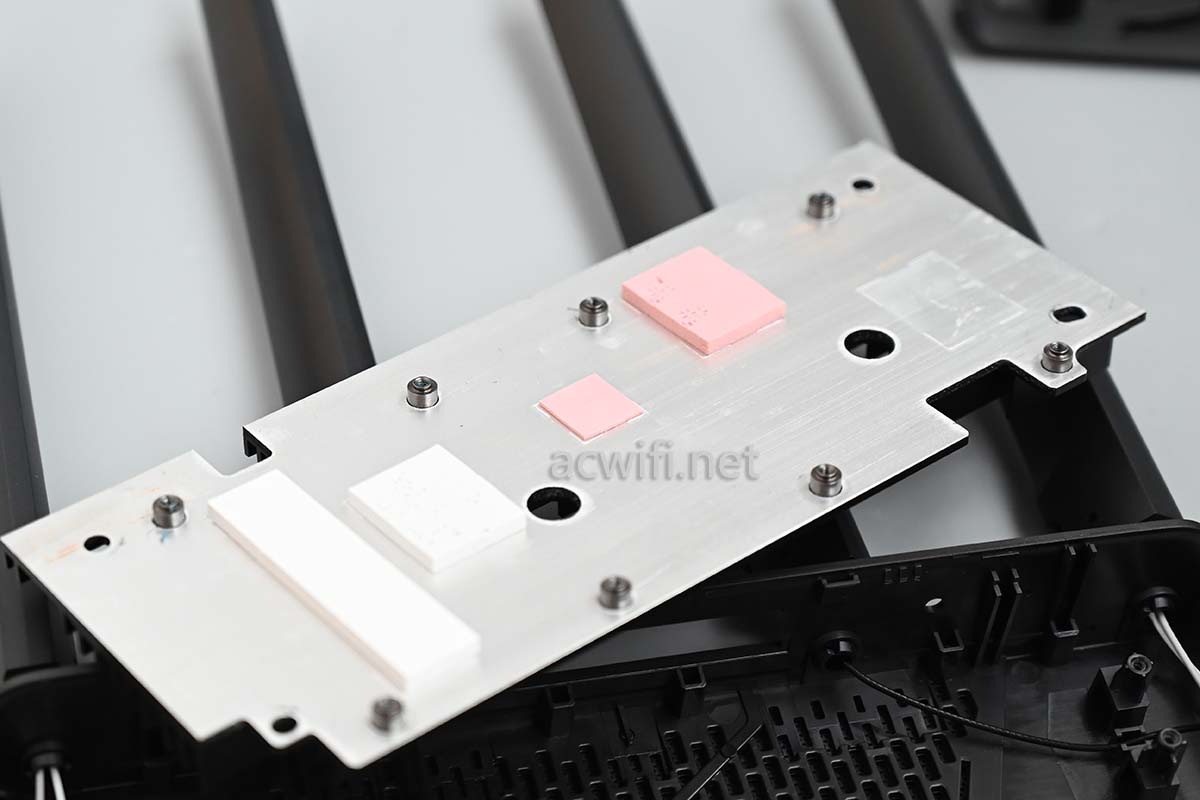
This bottom heatsink is fixed to the casing with screws. Unscrewing them allows us to extract this giant aluminum block:
The motherboard is securely mounted onto this heatsink, which in turn is fastened to the outer shell.
III. Mainboard Component Analysis
Since no network ports are visible on this side of the motherboard, we’ll refer to it as the back side:
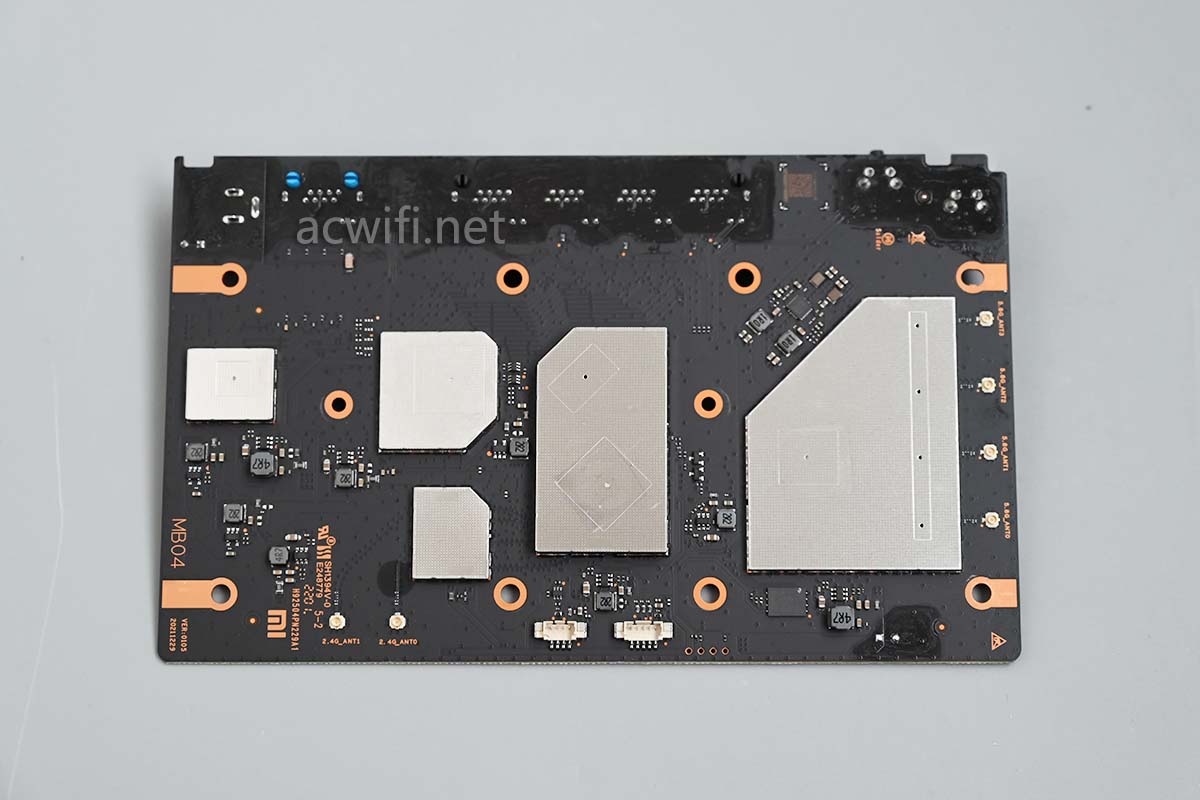
The front side of the motherboard (facing the router’s top cover):
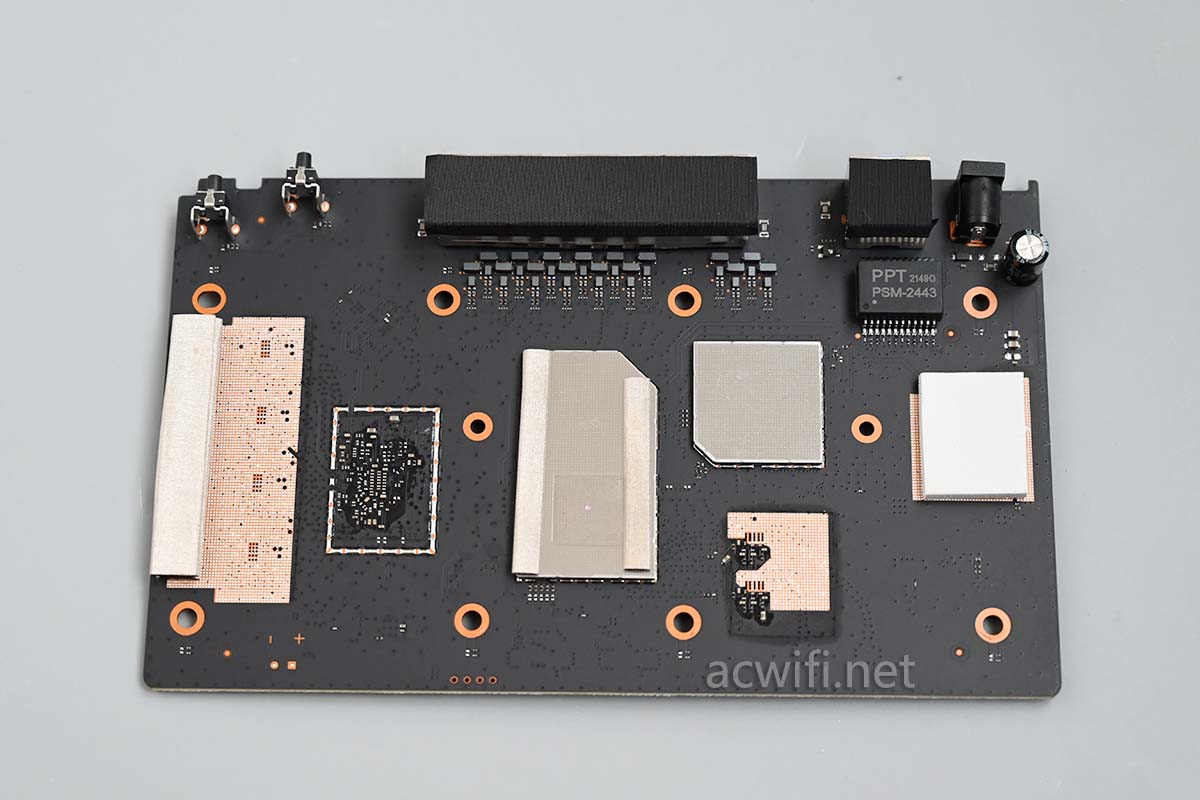
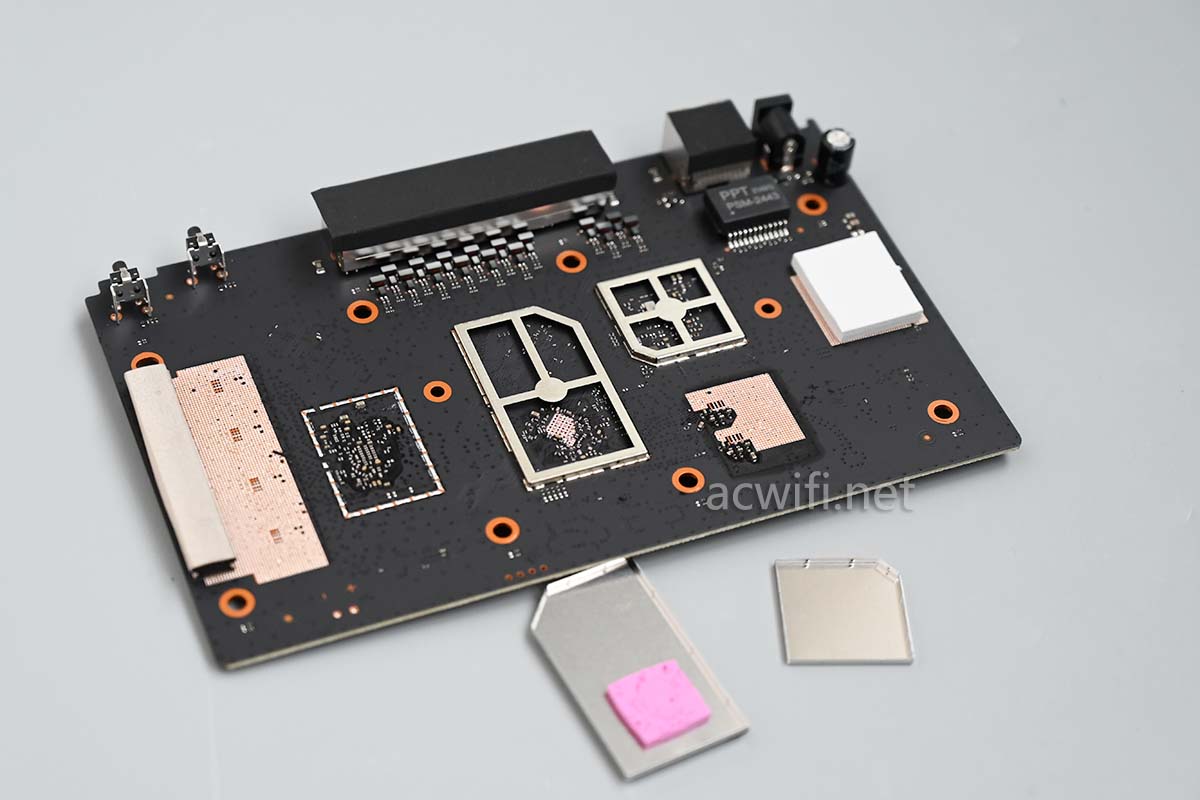
Prying open the EMI (Electromagnetic Interference) shield, we find it completely empty inside:
Network transformer for the 2.5GbE port:
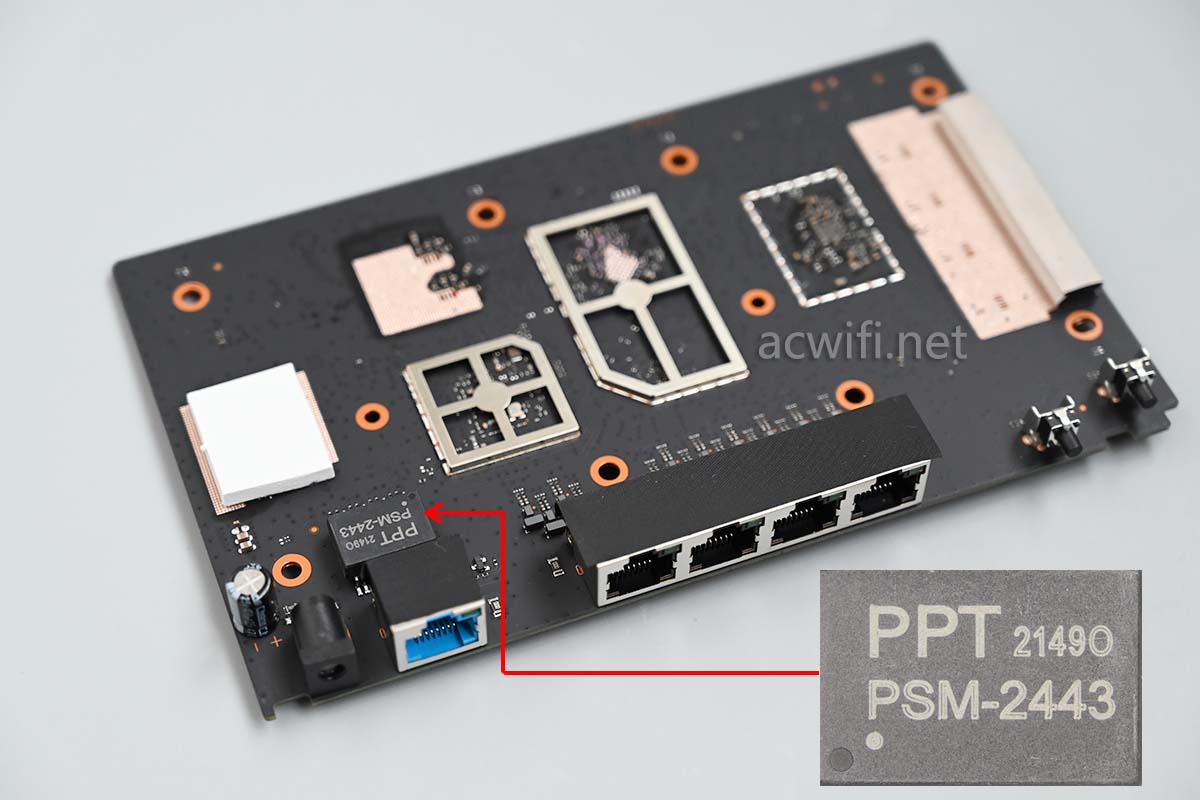
All network ports come with metal shielding covers:
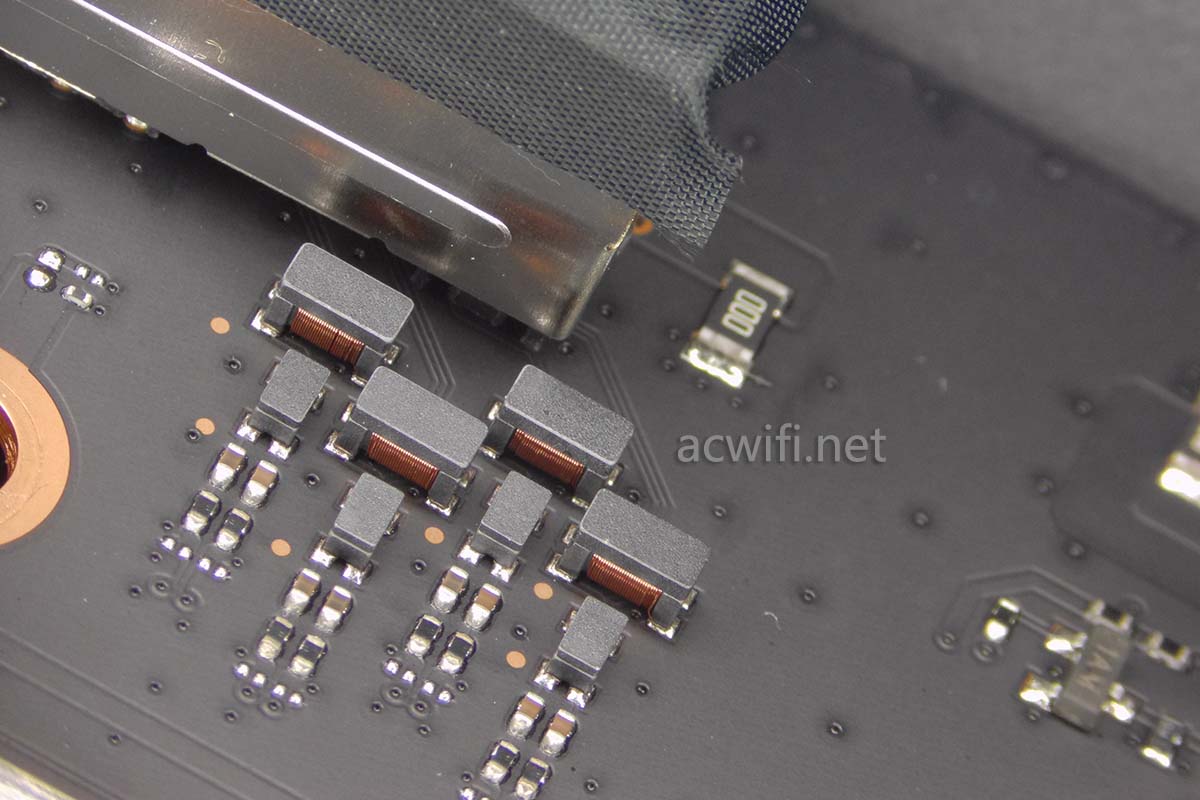
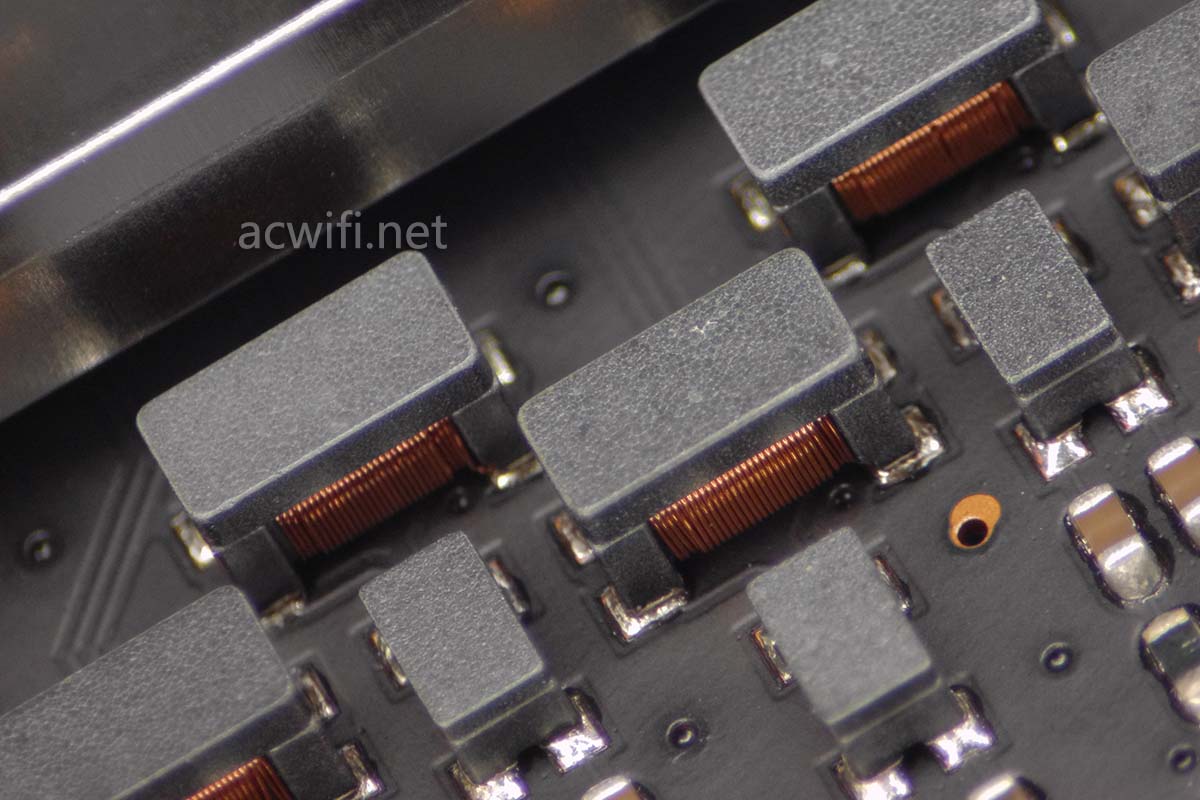
Below is the discrete network transformer for the Gigabit ports (a new generation SMD transformer designed to lower costs and increase production rates):
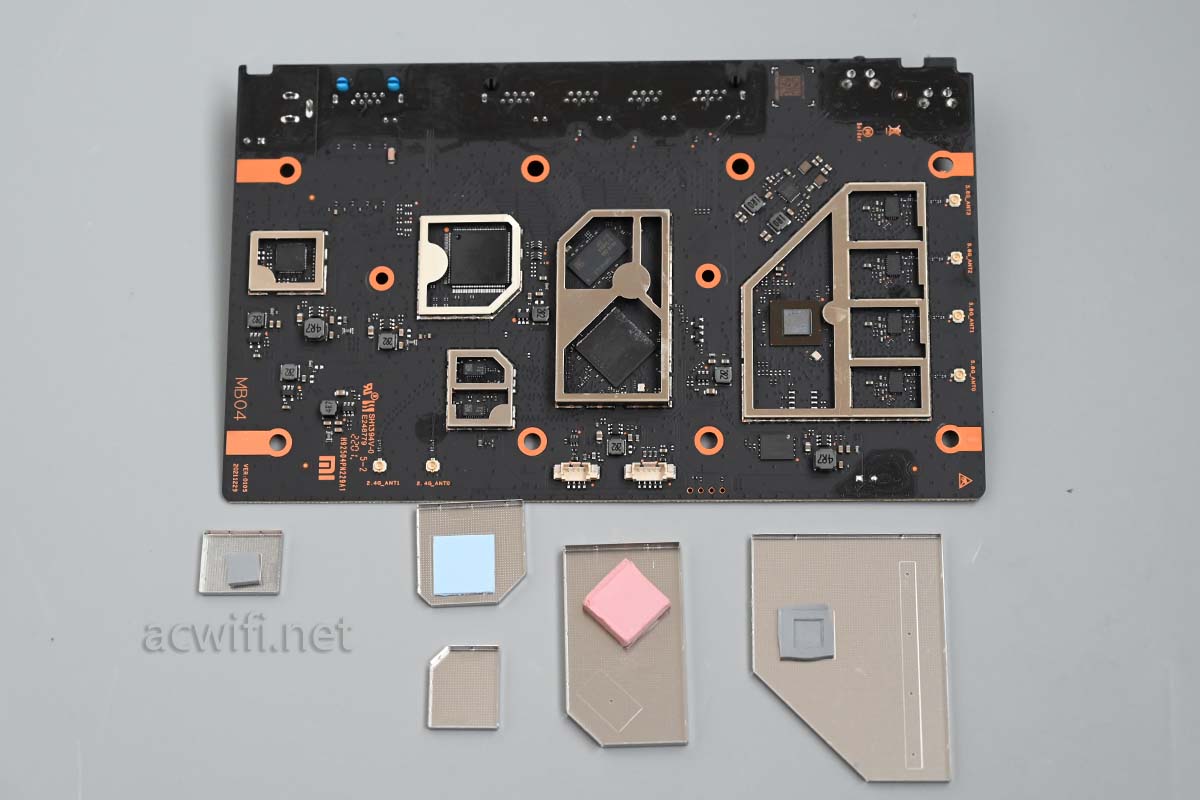
Flipping back to the rear of the motherboard, let’s pry off all the shielding covers to inspect the core components:
1. CPU and RAM
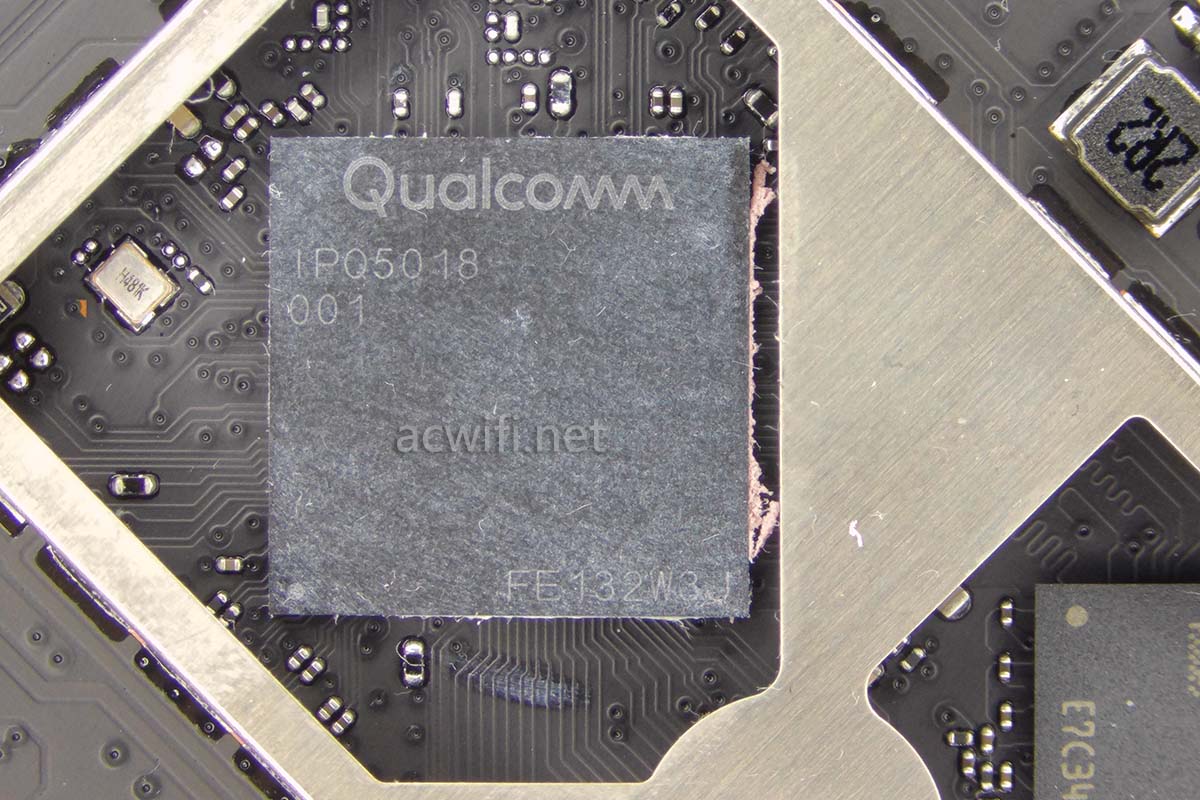
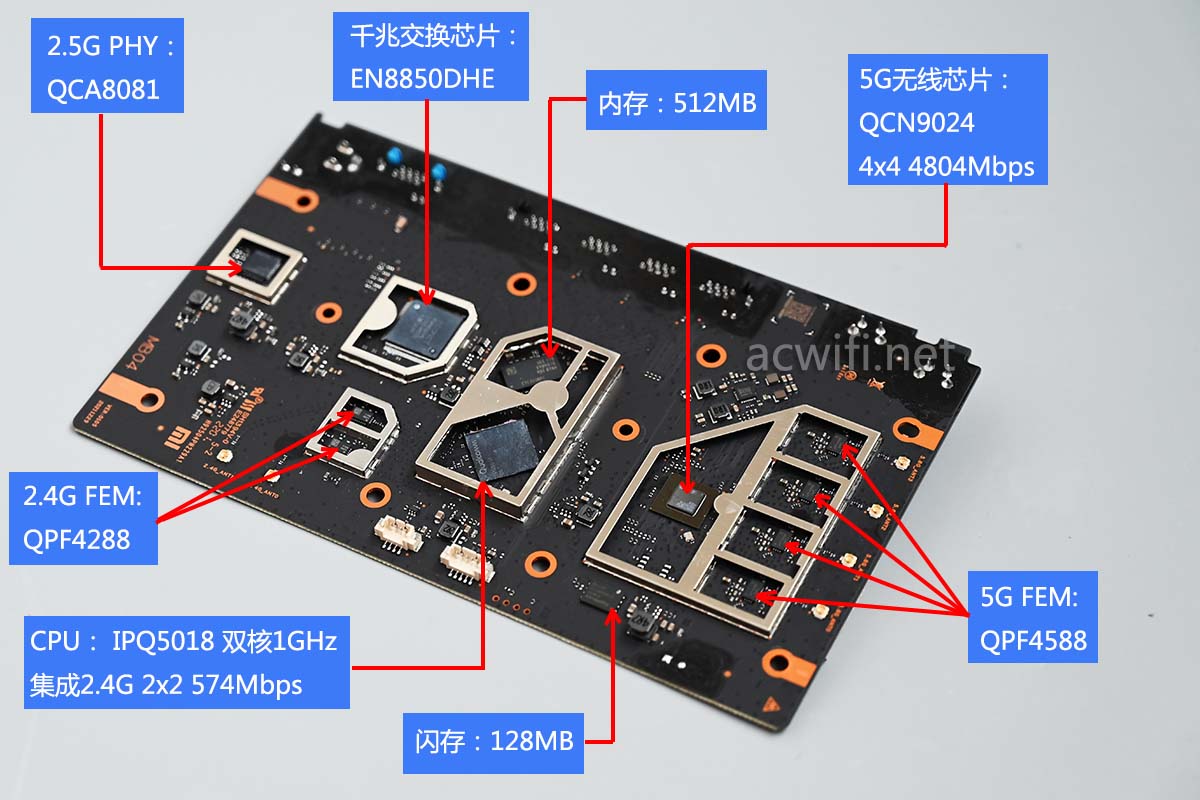
First up is the CPU. The Redmi AX5400 utilizes the IPQ5018 SoC, identical to the Xiaomi AX6000. This chip features a dual-core 1.0GHz processor, a 1.0GHz NPU, and an integrated 2.4G Wi-Fi 6 radio (capable of 574Mbps):
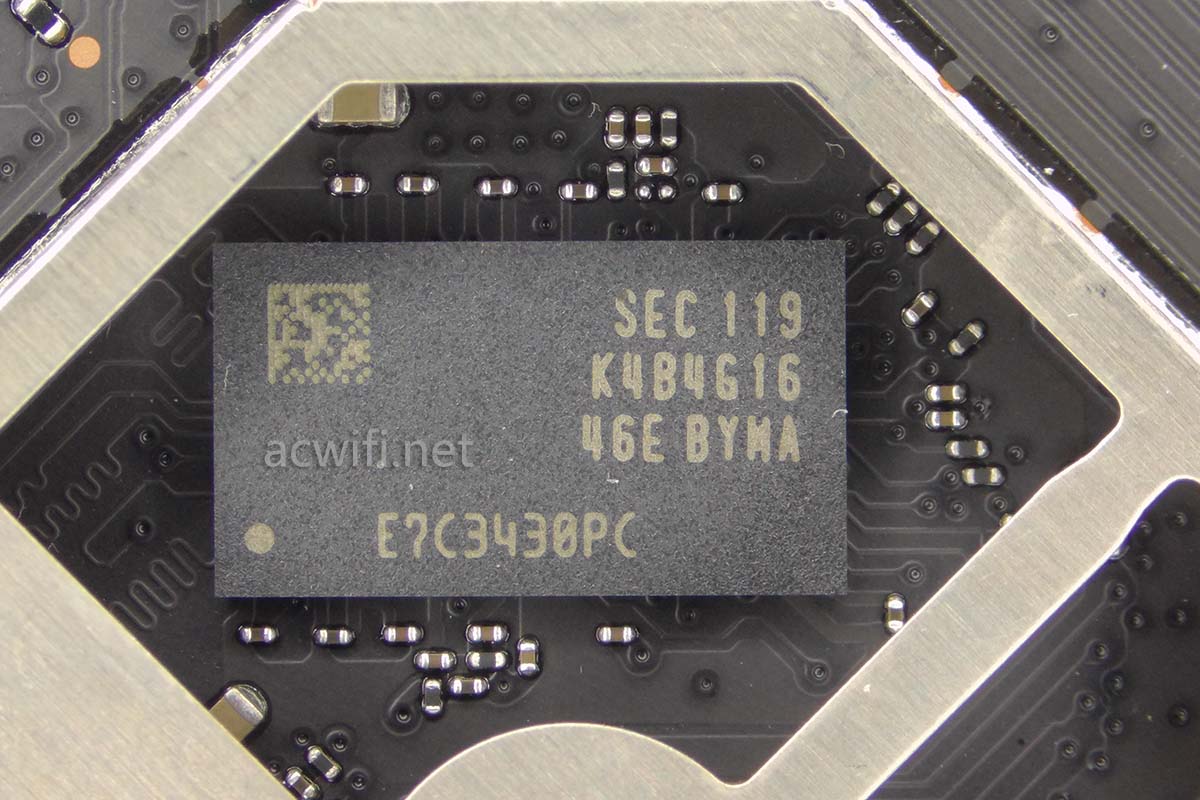
The RAM chip located next to the CPU is the K4B4G1646E-BYMA, providing 512MB of capacity:
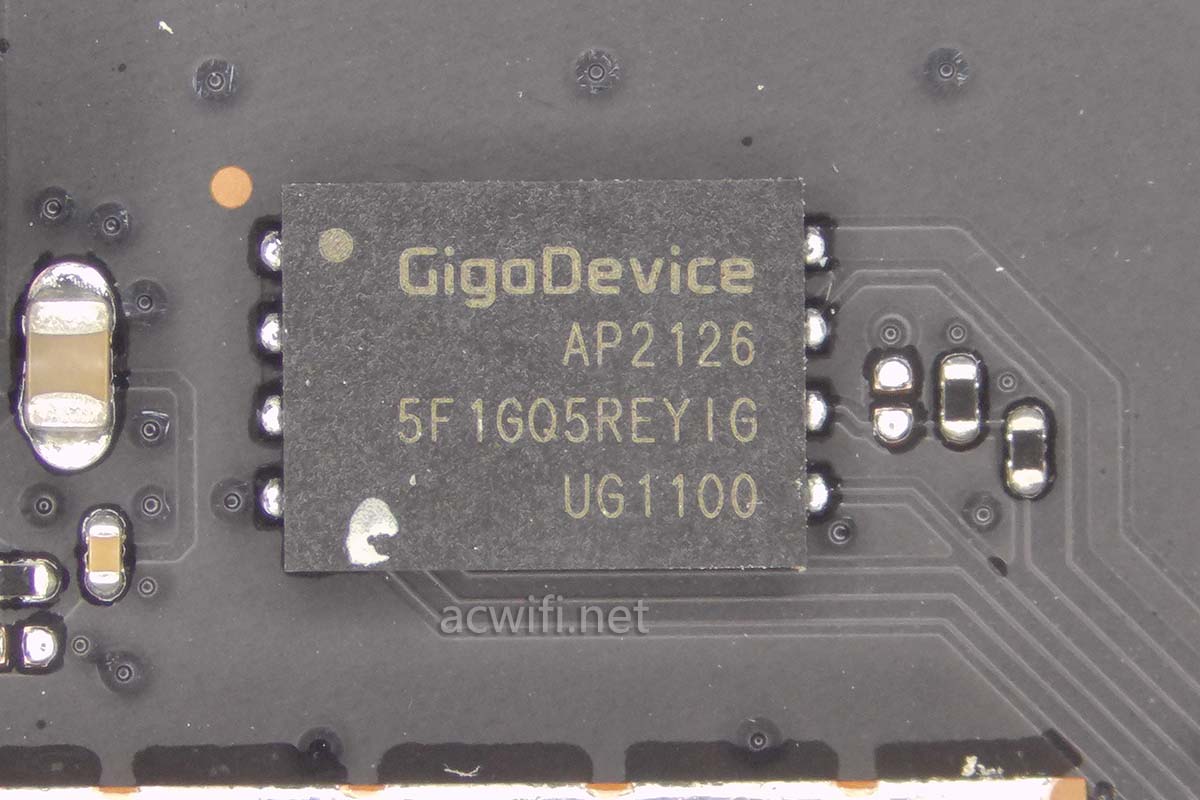
The Flash memory chip for firmware storage has a capacity of 128MB:
2. 2.4G Wi-Fi Amplifiers (FEM)
The 2.4G band is equipped with two QPF4288 signal amplifier FEM chips, which are high-power modules.
📂 View QPF4288 Specifications ▼
2400-2500 MHzPOUT = +17 dBm HE40 -47dB Dynamic EVMPOUT = +22 dBm HE40 -43dB Dynamic EVMPOUT = +24.5 dBm MCS9 HT40 -35dB Dynamic EVMPOUT = +26 dBm MCS7 HT20/40 -30dB Dynamic EVMPOUT = +28 dBm MCS0 HT20 Spectral Mask ComplianceOptimized for +5 V Operation33 dB Tx Gain1.7 dB Noise Figure15.5 dB Rx Gain & 7 dB Bypass Loss>10dB 5 GHz Rejection on Rx Path3. 5G Wi-Fi & 5G FEM
The 5G wireless processing chip is the QCN9024. This chip supports up to 256 connected devices, 16 OFDMA users, and 4K-QAM modulation. It supports 4x4 MIMO, reaching a maximum bandwidth of 4804Mbps at 160MHz. Under a 2x2 MIMO configuration with 4096-QAM and 160MHz, the max speed is 2882Mbps.
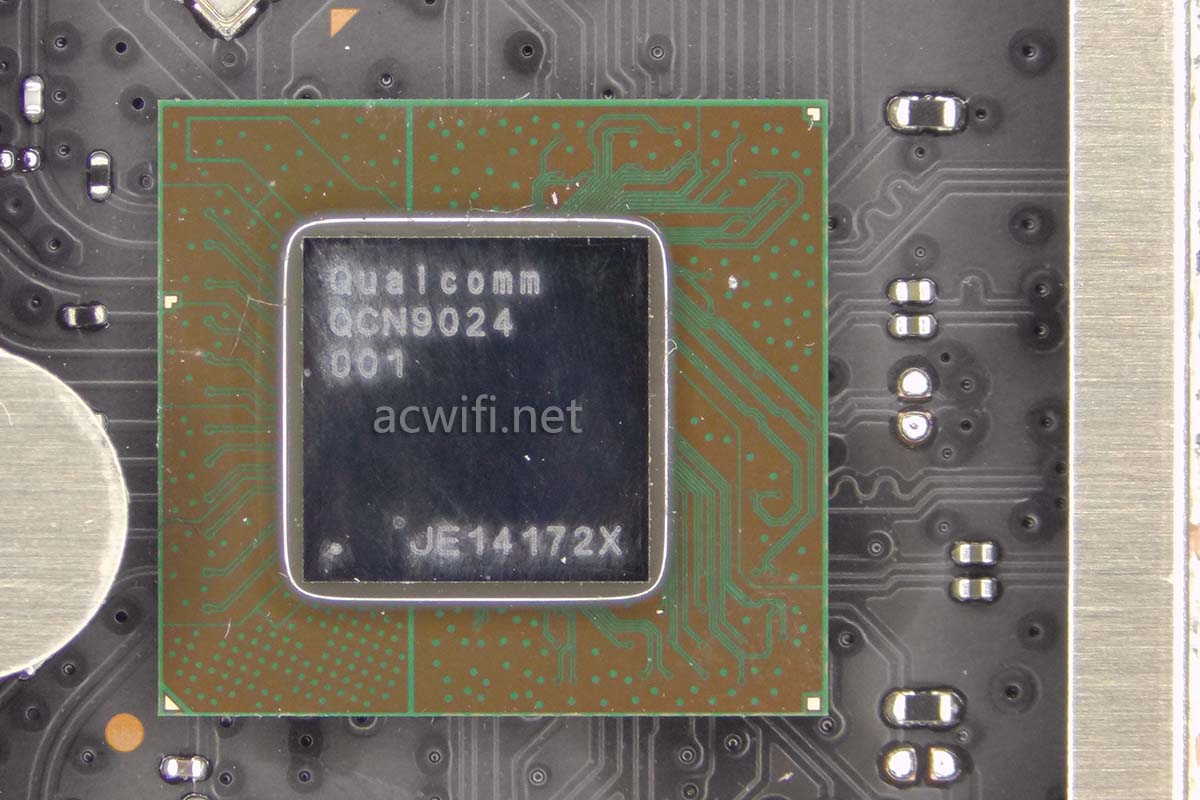
If this chip were utilized for the 2.4G band, it would also support 4096-QAM, boosting the speed to 688Mbps.
The 5G band relies on four QPF4588 signal amplifier FEM chips:
📂 View QPF4588 Specifications ▼
5150 – 5925 MHzPOUT = +16dBm MCS11 HE80 -47dB Dynamic EVMPOUT = +18dBm MCS11 HE80 -43dB Dynamic EVMPOUT = +23dBm MCS9 VHT80 -35dB Dynamic EVMPOUT = +24dBm MCS7 HT20/40 -30dB Dynamic EVMPOUT = +26dBm MCS0 HT20 Spectral Mask ComplianceOptimized for +5 V Operation33 dB Tx Gain2 dB Noise Figure16 dB Rx Gain & 7 dB Bypass Loss30 dB 2.4 GHz Rejection on Rx Path4. Switch Chip & Breaking the 1Gbps Bottleneck
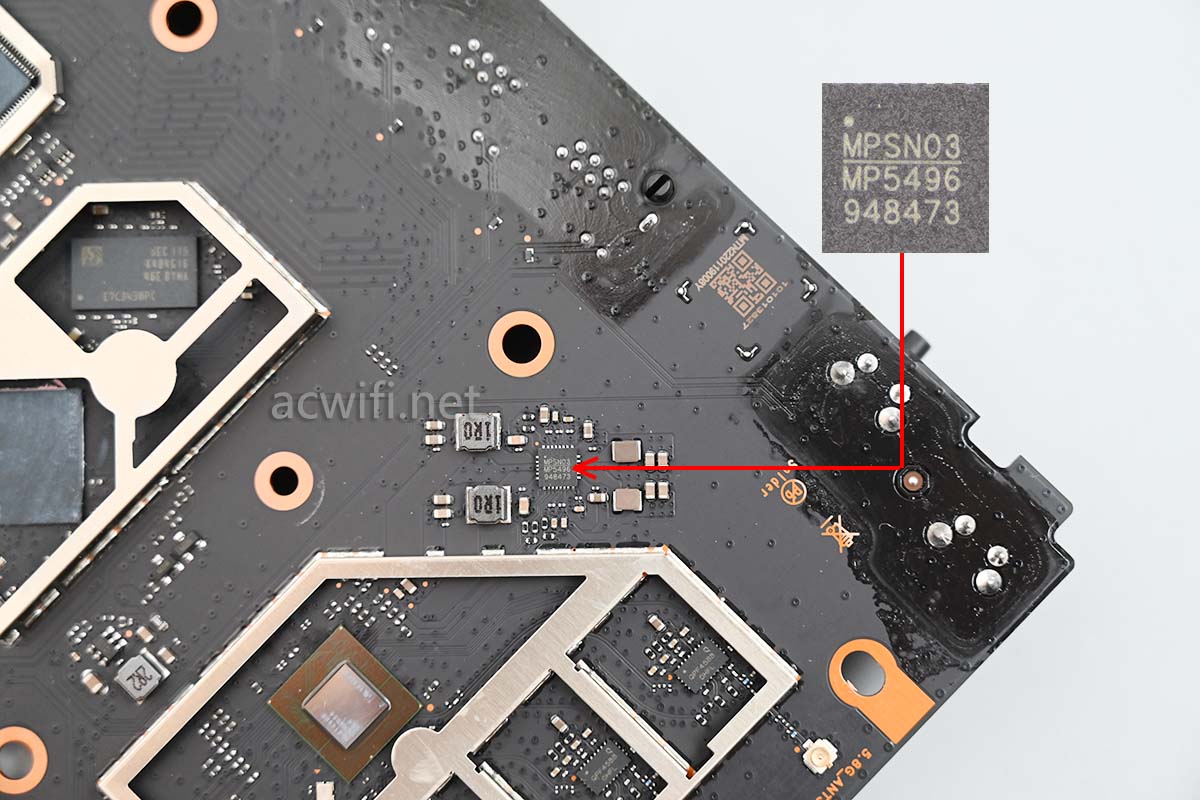
Below is the power management IC, MP5496:
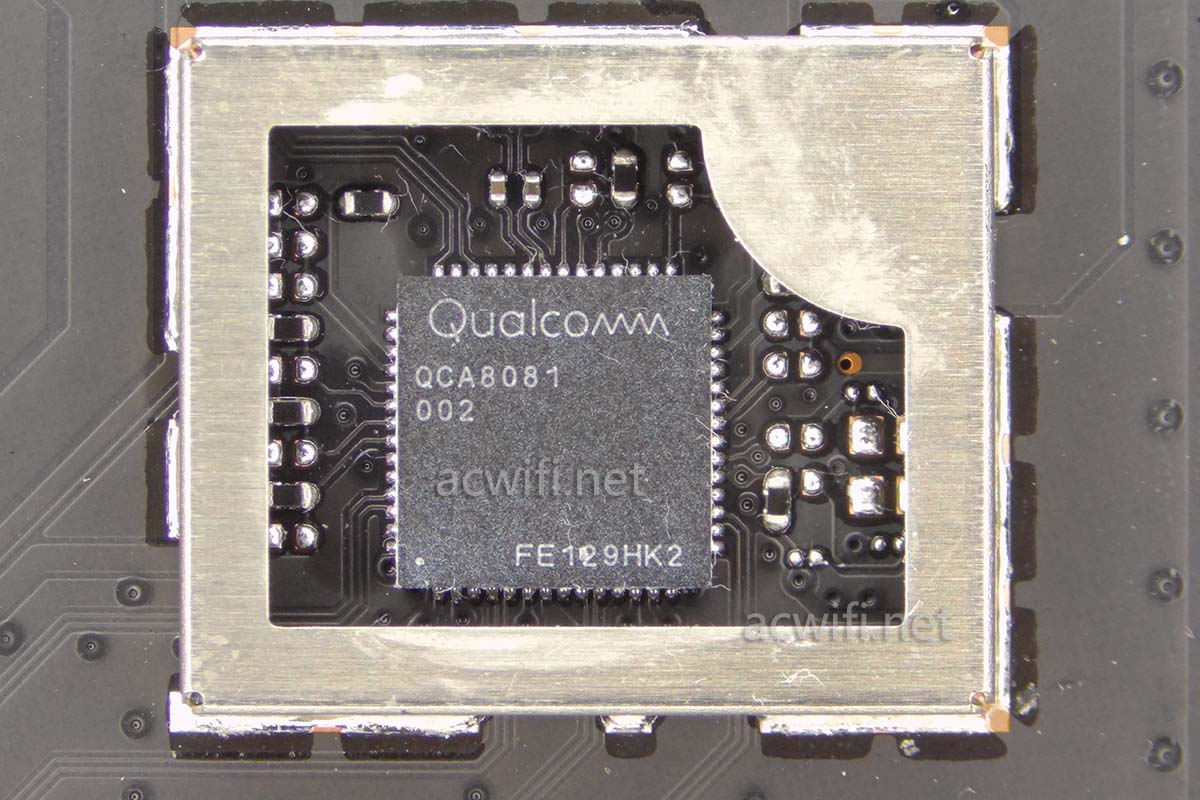
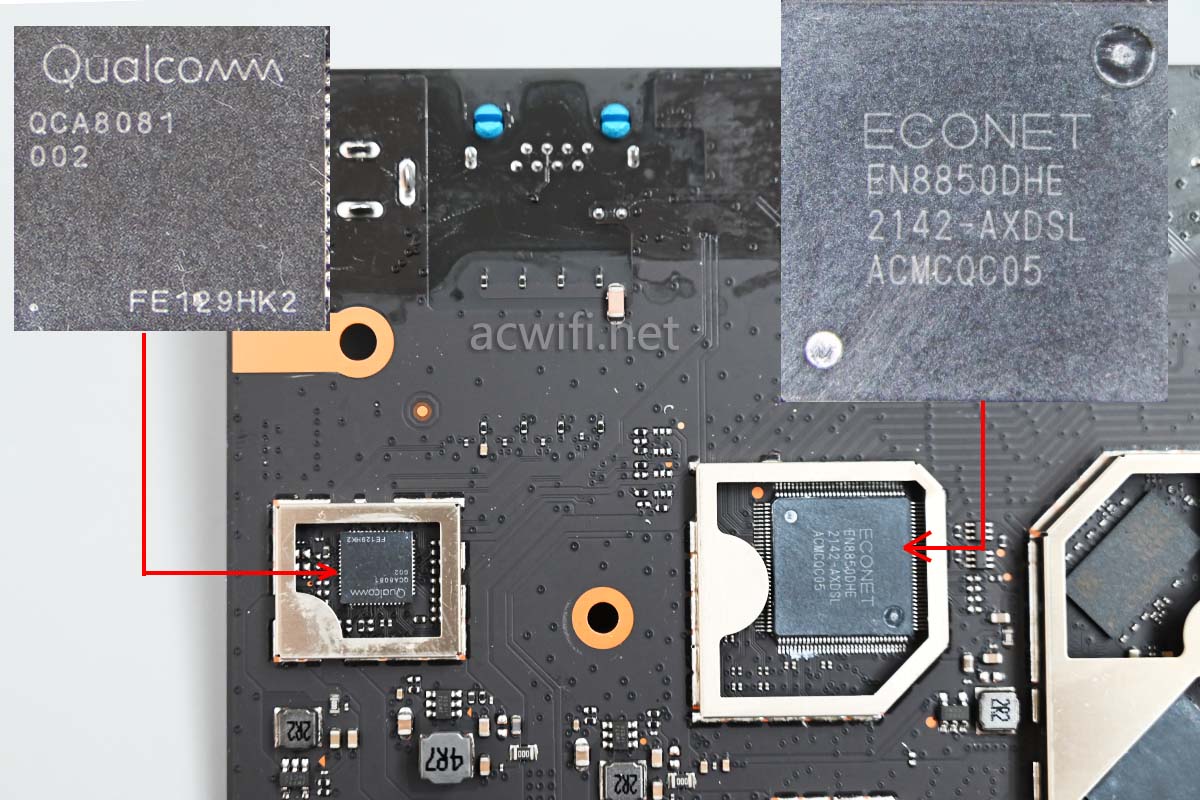
Next is the 2.5G PHY chip, QCA8081, which is the core component that gives this router a 2.5GbE network port.
And here is the most crucial component: the ECONET EN8850DHE Gigabit switch chip (equivalent to the MT7531). This is a 5-port switch chip supporting up to 3 link aggregation groups. It provides 2 HSGMII interfaces (2.5Gbps): one connected to the IPQ5018 CPU and the other directly to the QCA8081 PHY.
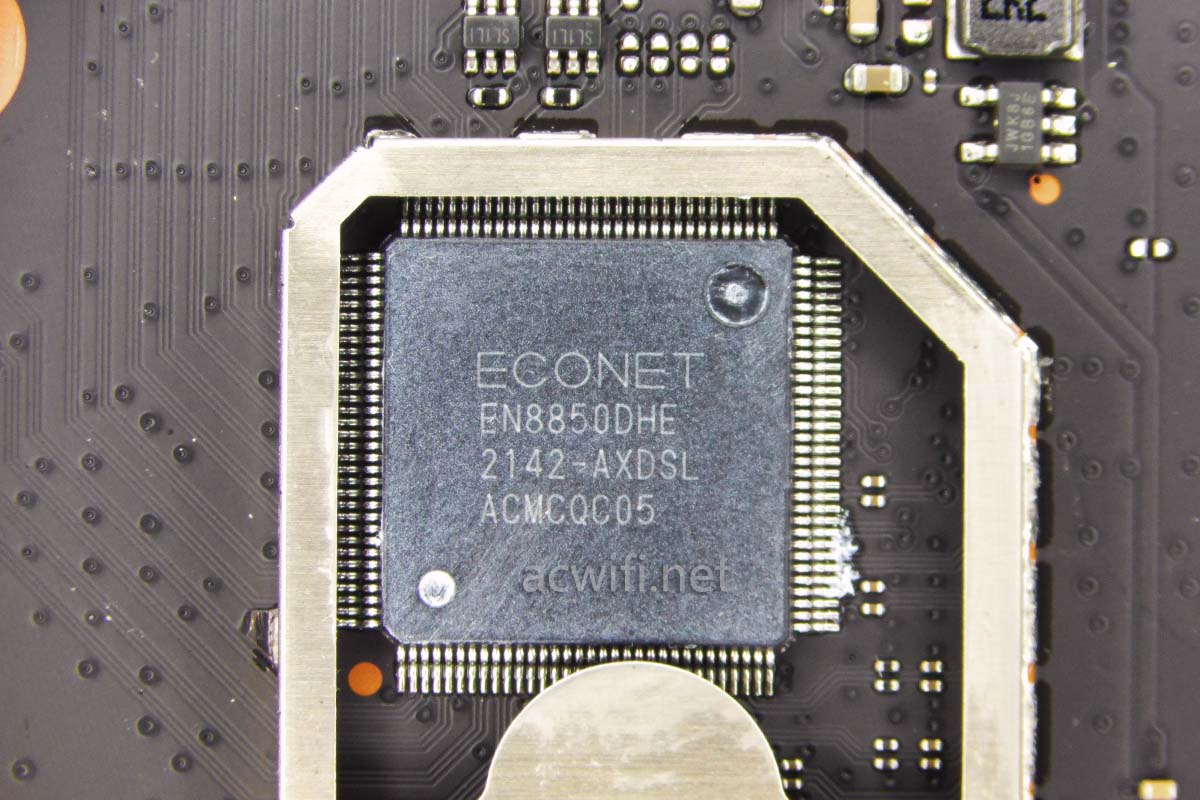
Thanks to this smart switch chip design, the Redmi AX5400 does NOT suffer from the “1Gbps bottleneck” (where total bandwidth from the CPU is choked when distributed across LAN/WAN ports), unlike the Xiaomi AX6000. This is a massive selling point for users with high-speed internet plans or NAS setups.
IV. Conclusion
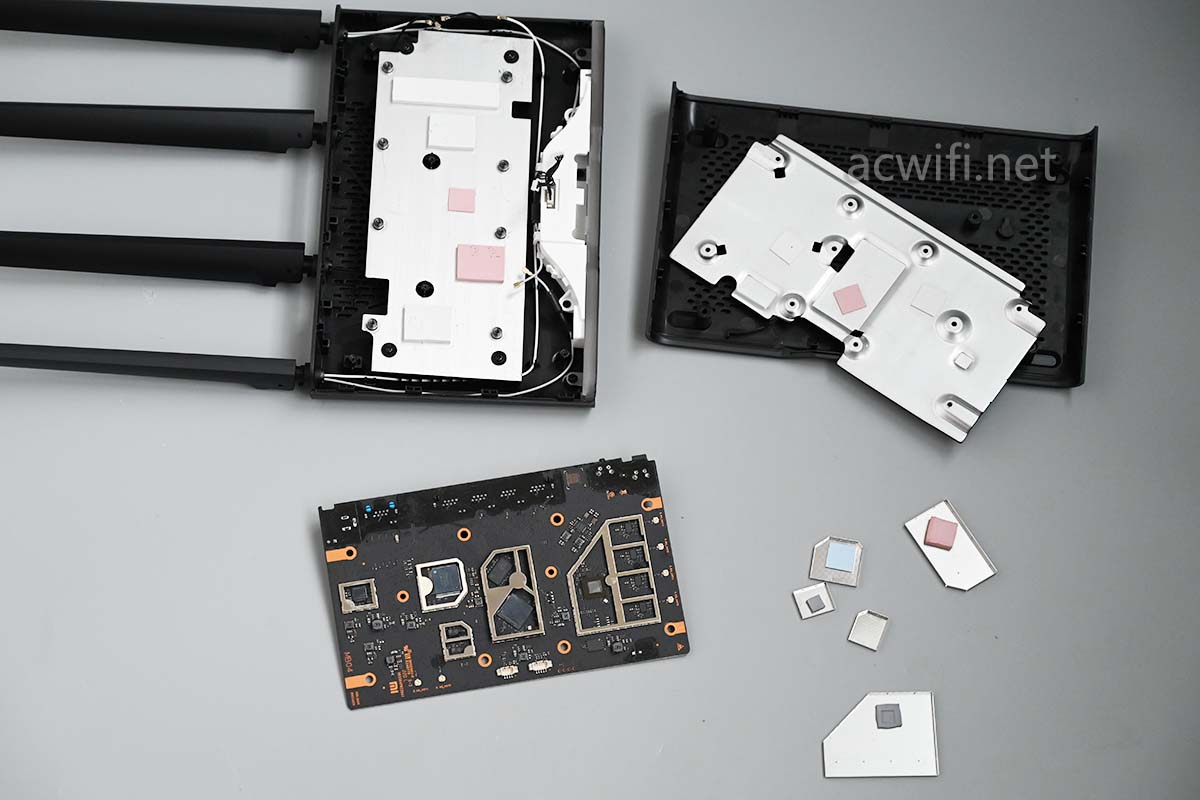
This concludes the teardown of the Redmi AX5400 Gaming Edition:
Here is a summary chart of the main components for an easy overview:
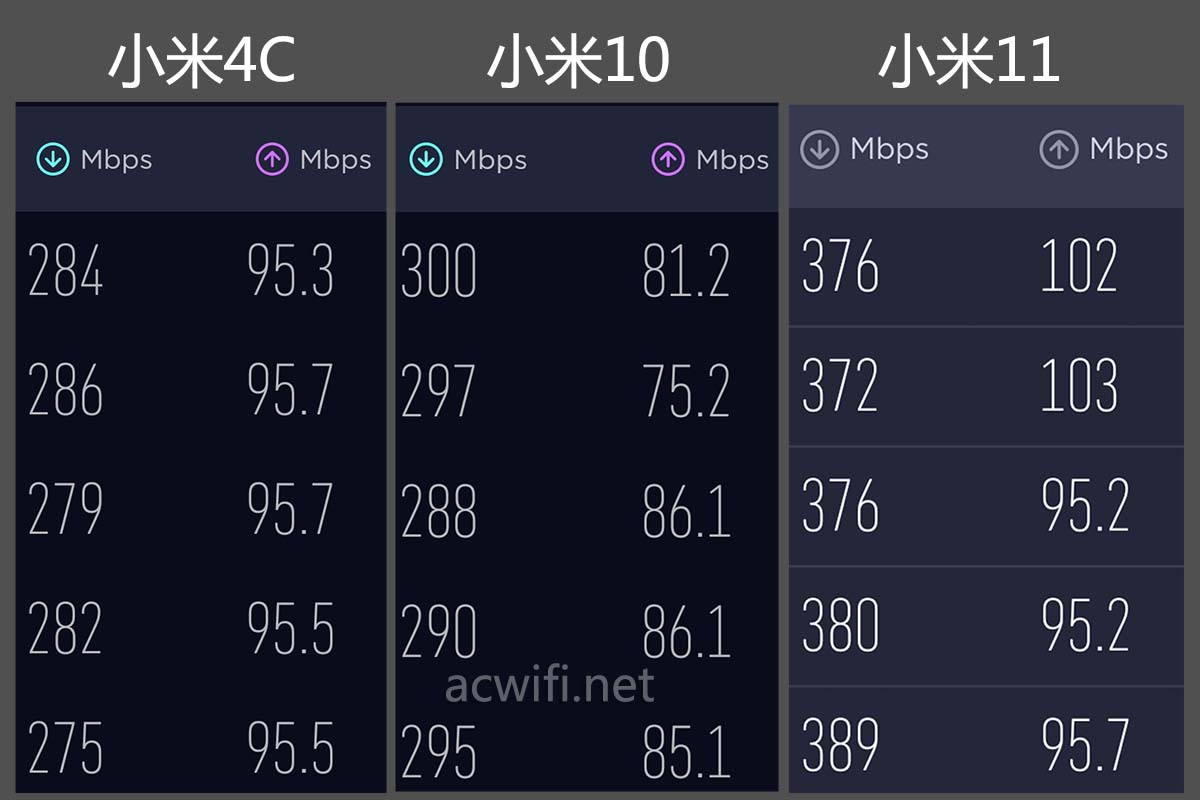
The Wi-Fi speed test results at a long distance (Point D - through walls) are exceptionally good:
The device runs quite cool, partly because the massive aluminum heatsink does a fantastic job. Even without the RGB lighting effects, this price point is highly competitive. Compared to the similarly priced Xiaomi AX6000, the hardware architecture of the Redmi AX5400 is noticeably more refined.
Good luck with your setup!
If you have any questions or need further advice, feel free to drop a comment below and I’ll do my best to help.
*Source: https://www.acwifi.net/18859.html
Comments & Discussion
Share your thoughts, ask questions and feedback