

MkDocs là static site generator dùng Markdown và một file YAML để xây tài liệu dự án. Bài này chạy image polinux/mkdocs, lưu project ở ~/docker/mkdocs, sau đó dừng container để chỉnh mkdocs.yml sang theme readthedocs.1
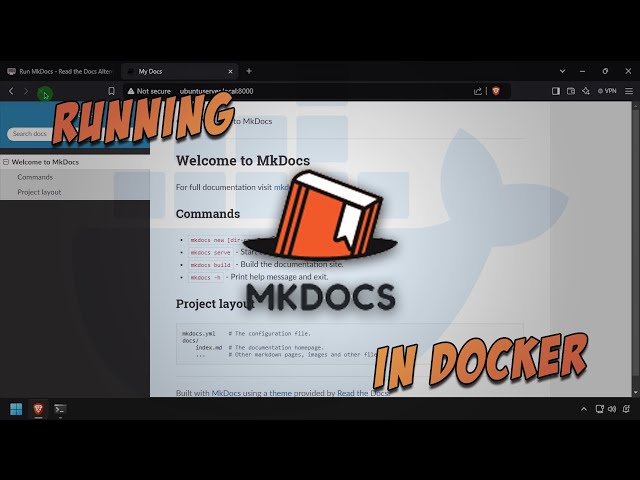
Video gốc i12bretro được embed trực tiếp; tôi giữ link video thay vì rehost tài sản.2
Cài Docker trên Linux
Đăng nhập thiết bị Linux, rồi chạy:
| |
Trên distro hiện đại, apt-key đã deprecated; kiểm tra Docker docs nếu repo hoặc package không còn phù hợp.1
Chạy MkDocs
- Tạo thư mục, đặt quyền và chạy container:
| |
- Mở
http://DNSorIP:8000. - Kiểm tra MkDocs đã chạy.1
Đổi theme Read the Docs
- Quay lại terminal, dừng container và mở file cấu hình:
| |
- Thêm đúng dòng sau vào
mkdocs.yml:
| |
- Nhấn
CTRL+O, Enter,CTRL+Xđể lưu và thoát. - Khởi động lại container:
| |
- Quay lại trình duyệt và refresh trang.1
Backup và giới hạn
Backup ~/docker/mkdocs trước khi thay đổi theme hoặc image. Image nguồn dùng latest, vì vậy nếu cần reproducible build, tôi sẽ pin version sau khi kiểm tra tag tương thích thay vì để cập nhật bất ngờ.1
Nguồn và video
- Tutorial gốc: i12bretro 0986
- Video gốc: Run MkDocs - Read the Docs Alternative - in Docker
Nguồn
https://i12bretro.github.io/tutorials/0986.html — Run MkDocs - Read the Docs Alternative - in Docker (i12bretro) ↩︎ ↩︎ ↩︎ ↩︎ ↩︎
https://www.youtube.com/watch?v=Fnx8w_uqyuM — Run MkDocs - Read the Docs Alternative - in Docker (official video) ↩︎
 Dựng Actual Budget local-first bằng Docker, lưu …
 Dựng Dashy với conf.yml lưu ngoài container, chạy …
 Dựng MeshCentral cùng MongoDB trong Docker, bật …
 Dựng OctoPrint ở cổng 8041, gắn /dev/ttyACM0 và …
Góp Ý / Bình Luận / Đánh giá