

MeshCentral là web site tự host để quản trị và điều khiển máy tính trong LAN hoặc từ Internet. Bài dưới đây giữ nguyên trình tự i12bretro: một container MongoDB, một container MeshCentral, dữ liệu tách riêng và HTTPS ở cổng 8086.1
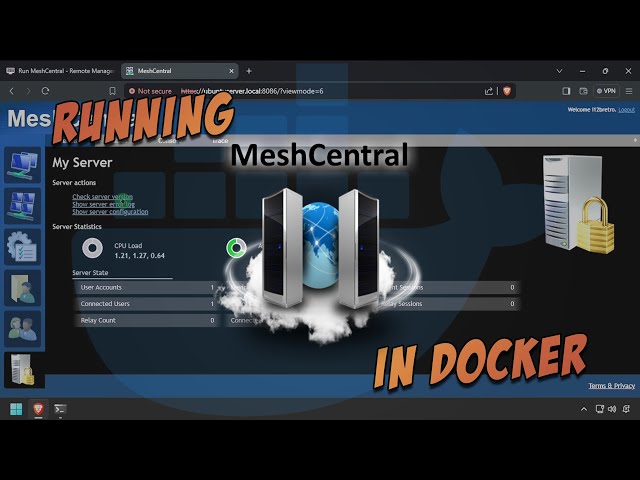
Video gốc cho thấy cùng hướng triển khai; tôi dùng player YouTube nguyên bản, không tải hoặc rehost video.2
Cài Docker trên Linux
Đăng nhập Linux bằng tài khoản có quyền sudo, sau đó chạy nguyên bộ lệnh nguồn:
| |
Với distro mới, kiểm tra hướng dẫn Docker hiện hành vì apt-key đã deprecated. Đăng nhập lại để group Docker có hiệu lực.1
Chạy MongoDB và MeshCentral
- Tạo thư mục dữ liệu, network dùng chung, rồi chạy MongoDB và MeshCentral:
| |
Thay HOSTNAME=ubuntuserver.local bằng hostname/DNS mà client sẽ truy cập. Không đặt password thật trong command hoặc commit file config.json có credential.1
- Mở
https://DNSorIP:8086. - Chấp nhận cảnh báo certificate nếu đang dùng certificate mặc định.
- Bấm link tạo account.
- Nhập username, email và password riêng rồi bấm Create Account.
- Đăng nhập và kiểm tra MeshCentral hoạt động.
Kiểm tra và an toàn
Kiểm tra docker ps, log container và volume ~/docker/meshcentral/data trước khi đưa ra Internet. Đặt MeshCentral sau reverse proxy HTTPS có certificate tin cậy nếu dùng bên ngoài LAN; giữ ALLOW_NEW_ACCOUNTS=false sau khi tạo admin và không mở MongoDB ra Internet.1
Nguồn và video
- Tutorial gốc: i12bretro 0963
- Video gốc: Run MeshCentral - Remote Management Site - in Docker
Nguồn
https://i12bretro.github.io/tutorials/0963.html — Run MeshCentral - Remote Management Site - in Docker (i12bretro) ↩︎ ↩︎ ↩︎ ↩︎
https://www.youtube.com/watch?v=V94q02P1zwM — Run MeshCentral - Remote Management Site - in Docker (official video) ↩︎
 Dựng Actual Budget local-first bằng Docker, lưu …
 Dựng Dashy với conf.yml lưu ngoài container, chạy …
 Dựng MkDocs trên Docker ở cổng 8000, chỉnh …
 Dựng OctoPrint ở cổng 8041, gắn /dev/ttyACM0 và …
Góp Ý / Bình Luận / Đánh giá