

Passing a physical disk through lets a guest see a real drive rather than a virtual disk. The i12bretro tutorial has exactly five steps; step three contains the DEVICE-ID(S) lookup and qm set command. I retain the identifiers and placeholders while adding the operational warnings.1
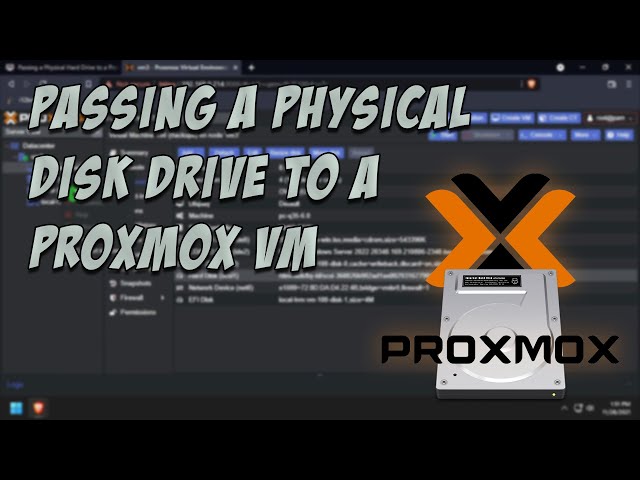
The source video title and author were validated with oEmbed and the video is not rehosted.2
1. Open the Proxmox web shell
Step 1/5: Log into Proxmox VE at the console or web UI and launch the web shell.
Step 2/5: Note the VM ID that will receive the physical hard disk.
2. Find the disk ID and attach it
Step 3/5: Run the source commands in the shell:
| |
Copy the correct /dev/disk/by-id/... path for the disk. 100, scsi1, and the serial-like path are source examples; replace the VM ID, virtual device, and real disk ID. Do not substitute /dev/sdX for a stable by-id path when consistent naming across reboots matters.
3. Restart the VM
Step 4/5: Stop the VM and start it again so the new configuration takes effect.
Do not remove the disk or change its host partition while the guest is running. If the host has mounted the filesystem, check ownership and filesystem use before handing it to the VM.
4. Verify inside the guest
Step 5/5: Verify inside the guest OS that the physical disk is connected. Formatting and mounting should then be performed inside the guest according to its operating system and the data on the disk.
Conclusion
The five steps have a clear safety boundary: record the VM ID, find /dev/disk/by-id, run qm set, stop/start the VM, and verify from the guest. Attaching the wrong disk can destroy data; compare model/serial and back up first.
Sources
i12bretro tutorial 0653 – Passing a Physical Disk Drive to a Proxmox VM , revised 2024-07-24. Independently edited from the numbered HTML page; technical commands and placeholders are retained. ↩︎
YouTube – Passing a Physical Disk Drive to a Proxmox VM — i12bretro video, validated with oEmbed. ↩︎
 Retain all 26 i12bretro steps for creating a ZFS …
 An independently edited i12bretro tutorial for …
- Step-by-step guide to running Debian Sid rolling …
 Create a VM and install Home Assistant OS from a …
Góp Ý / Bình Luận / Đánh giá