

Pi.Alert monitors Wi-Fi/LAN devices and can alert on unknown devices or devices that should remain online. I run it on a Linux Docker host with host networking so it can observe the local network; that also requires a trust boundary and the UI should not be exposed directly to the Internet.1
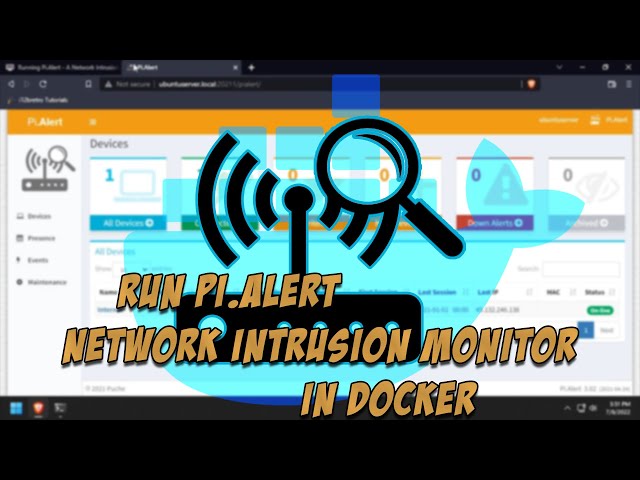
The original i12bretro video was validated for title and author through oEmbed.2
Install Docker on Linux
Log in to the Linux device and run the source block:
| |
After re-authenticating for Docker group membership, check docker version and the user's permissions before continuing.
Run Pi.Alert
Create the directory, start a temporary container to obtain the default config/database, copy both directories to the host, remove the temporary container, and start the persistent container:
| |
--net=host lets Pi.Alert see host interfaces but widens the application's reach; I run it only on a trusted machine and inspect docker inspect pialert.
Open and verify the UI
Open:
http://DNSorIP:20211/pialert
The welcome page confirms that the container is running. The source notes that Pi.Alert's cron job checks for new devices every five minutes; I inspect logs, the database, and the device list before trusting alerts.
Backup and limits
Back up ~/docker/pialert/config and ~/docker/pialert/db before changing the image. Host networking does not create a firewall boundary, and MAC/IP identification can change when clients use randomized MAC addresses. Pi.Alert is a monitoring signal, not a replacement for firewalling, IDS, or VLAN isolation.
Sources
https://i12bretro.github.io/tutorials/0780.html — i12bretro tutorial 0780. Independently edited from the numbered HTML page; host networking and the five-minute cron note are retained. ↩︎
https://www.youtube.com/watch?v=qpDptKzTepc — Running Pi.Alert - A Network Intrusion Monitor - Containerized in Docker — i12bretro ↩︎
 Run Homepage with Docker, persist configuration in …
 A complete edited Mastodon tutorial retaining …
 Run the VSCodium container with persistent …
 Run Actual Budget, a local-first finance tool, in …
Góp Ý / Bình Luận / Đánh giá