

MkDocs is a static site generator that uses Markdown and one YAML configuration file to build project documentation. This guide runs the polinux/mkdocs image, stores the project under ~/docker/mkdocs, then stops the container to switch mkdocs.yml to the readthedocs theme.1
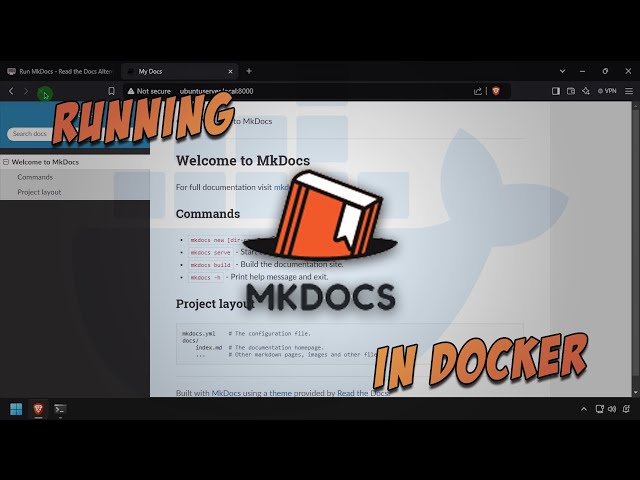
The original i12bretro video is embedded directly; the video link is preserved rather than rehosting assets.2
Install Docker on Linux
Log into the Linux device and run:
| |
On a current distribution, apt-key is deprecated; check the Docker documentation if the repository or package no longer matches.1
Run MkDocs
- Create the directory, set ownership, and start the container:
| |
- Open
http://DNSorIP:8000. - Verify that MkDocs is running.1
Switch to the Read the Docs theme
- Return to the terminal, stop the container, and open the configuration file:
| |
- Add this exact line to
mkdocs.yml:
| |
- Press
CTRL+O, Enter,CTRL+Xto save and exit. - Start the container again:
| |
- Return to the browser and refresh the page.1
Backup and limits
Back up ~/docker/mkdocs before changing the theme or image. The source uses the latest tag; for a reproducible deployment, pin a compatible tag after checking it rather than accepting unexpected updates.1
Source and video
- Original tutorial: i12bretro 0986
- Original video: Run MkDocs - Read the Docs Alternative - in Docker
Sources
https://i12bretro.github.io/tutorials/0986.html — Run MkDocs - Read the Docs Alternative - in Docker (i12bretro) ↩︎ ↩︎ ↩︎ ↩︎ ↩︎
https://www.youtube.com/watch?v=Fnx8w_uqyuM — Run MkDocs - Read the Docs Alternative - in Docker (official video) ↩︎
 Run Actual Budget, a local-first finance tool, in …
 Run MeshCentral with MongoDB in Docker, expose …
 Run OctoPrint on port 8041, pass through …
 Run Dashy with an external conf.yml, expose port …
Góp Ý / Bình Luận / Đánh giá