

MeshCentral is a self-hosted web site for managing and controlling computers on a LAN or over the Internet. This adaptation keeps the i12bretro order: one MongoDB container, one MeshCentral container, separated data directories, and HTTPS on port 8086.1
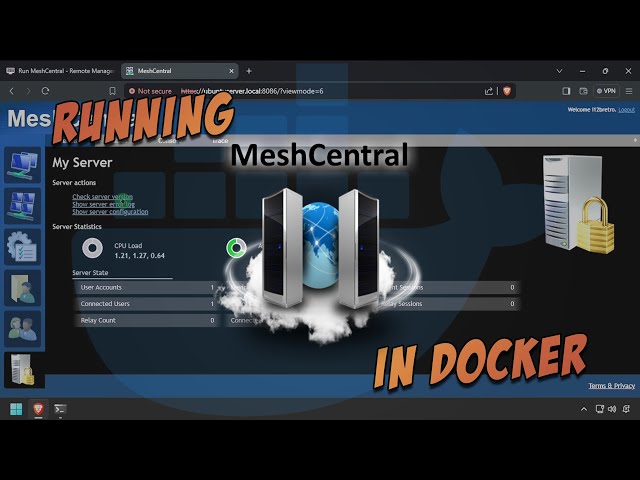
The original video follows the same deployment direction; the YouTube player is used directly and the video is not downloaded or rehosted.2
Install Docker on Linux
Log into Linux with sudo access and run the source command set:
| |
For a current distribution, check the current Docker installation documentation because apt-key is deprecated. Re-authenticate so the Docker group takes effect.1
Run MongoDB and MeshCentral
- Create the data directories and shared network, then start MongoDB and MeshCentral:
| |
Replace HOSTNAME=ubuntuserver.local with the hostname/DNS name that clients will use. Do not put a real password in the command or commit a credential-bearing config.json.1
- Open
https://DNSorIP:8086. - Accept the certificate warning if the default certificate is in use.
- Click the account-creation link.
- Enter a private username, email, and password, then click Create Account.
- Sign in and verify MeshCentral is working.
Verification and security
Check docker ps, the container logs, and ~/docker/meshcentral/data before exposing the service. Put MeshCentral behind a trusted HTTPS reverse proxy outside the LAN; keep ALLOW_NEW_ACCOUNTS=false after creating the administrator, and never expose MongoDB to the Internet.1
Source and video
- Original tutorial: i12bretro 0963
- Original video: Run MeshCentral - Remote Management Site - in Docker
Sources
https://i12bretro.github.io/tutorials/0963.html — Run MeshCentral - Remote Management Site - in Docker (i12bretro) ↩︎ ↩︎ ↩︎ ↩︎
https://www.youtube.com/watch?v=V94q02P1zwM — Run MeshCentral - Remote Management Site - in Docker (official video) ↩︎
 Run Actual Budget, a local-first finance tool, in …
 Run MkDocs in Docker on port 8000, edit …
 Run OctoPrint on port 8041, pass through …
 Run Dashy with an external conf.yml, expose port …
Góp Ý / Bình Luận / Đánh giá