

HostMon is a small web dashboard for monitoring hosts and services in a HomeLab. i12bretro tutorial 0706 describes real-time ping, Wake-on-LAN, an SSH client, and a link to Apache Guacamole; the application is written in JavaScript and uses SQLite.[11]
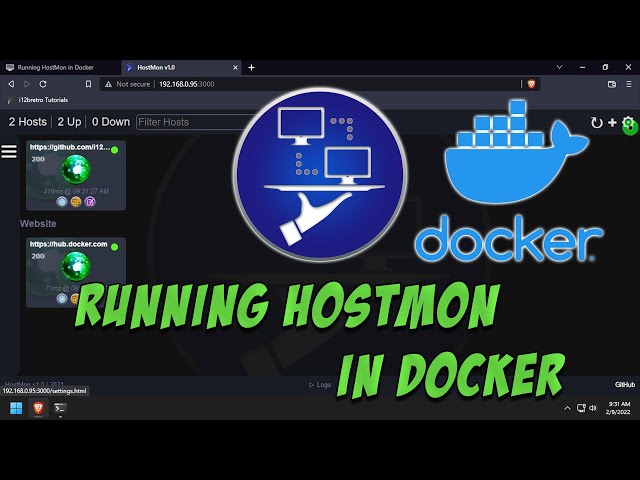
The original tutorial video is available on YouTube.[16]
1. Install Docker on the Linux host
- Log into the Linux device.[11]
- Open a terminal and run:[11]
| |
After reauthenticating, check docker version/docker ps before starting HostMon.[11]
2. Create persistent storage and run HostMon
Follow this order so the new database is copied to the host before the temporary container is removed:[11]
| |
docker cp leaves hostmon.db under ~/docker/hostmon, and the persistent volume is mounted at /app/data in the running container. I keep this step when I want the database to survive a recreate or update.[11]
3. Open the interface
- Open a browser at
http://DNSorIP:3000.[11] - Confirm HostMon loads and begin adding hosts/services.[11]
- Replace the placeholder with the Docker host's real DNS name or IP.[11]
Checks and limits
I confirm the container is Up, port 3000 is bound only where needed, and ~/docker/hostmon/hostmon.db has appropriate read/write permissions. WOL needs suitable broadcast/network behavior, SSH needs local credentials, and a Guacamole link needs the real endpoint; the tutorial does not automatically configure those systems. Do not expose an infrastructure dashboard to the Internet without authentication or a VPN.[11]
Original tutorial video: [watch it on YouTube]1.[16]
Source
Original source: [Running HostMon in Docker]2, published/updated 2022-03-23.[11]
Sources
[11] https://i12bretro.github.io/tutorials/0706.html — Running HostMon in Docker [16] https://www.youtube.com/watch?v=DvPxP8y65Qs — Running HostMon in Docker — i12bretro video
https://www.youtube.com/watch?v=DvPxP8y65Qs — official i12bretro video. ↩︎
https://i12bretro.github.io/tutorials/0706.html — Running HostMon in Docker. ↩︎
 Create a 2 GB TurnKey Core LXC on Proxmox, update …
 Run Healthchecks and PostgreSQL in Docker, …
 Deploy PhotoPrism with MariaDB, persist …
 Run Homepage with Docker, persist configuration in …
Góp Ý / Bình Luận / Đánh giá