

Homepage is a fast, static, customizable dashboard for collecting HomeLab services. The i12bretro tutorial uses Docker, stores configuration under ~/homepage, and mounts the Docker socket so Homepage can discover containers through labels.1
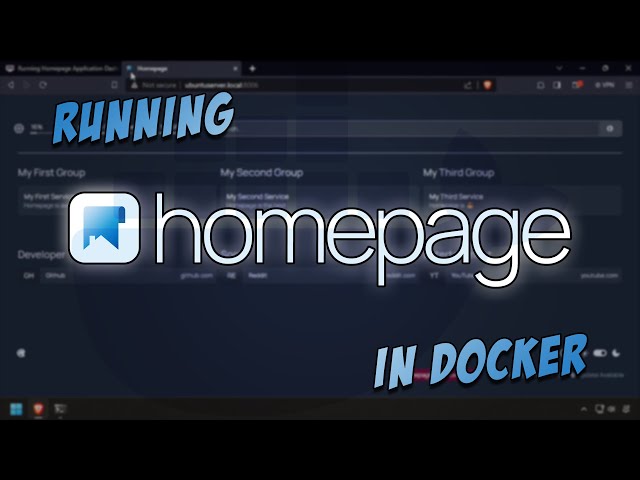
The original video was checked through YouTube oEmbed and is embedded with the site's existing shortcode/player.2
Install Docker
Log in to the Linux Docker host and run:
| |
Run Homepage
The source first checks the UID/GID, creates the configuration directory, and runs the container. I preserve the source's id $user; if the lowercase variable is not defined in the shell, I stop to inspect it rather than silently changing the source command:
| |
Open http://DNSorIP:8006. Host port 8006 maps to container port 3000, while the configuration persists in ~/homepage.
Docker socket permissions
Mounting /var/run/docker.sock lets Homepage communicate with the Docker daemon, so it is sensitive access. I keep port 8006 on the management network, do not expose it unauthenticated, and back up ~/homepage before editing YAML. If I only need a static dashboard, I consider omitting the socket and configuring services manually.
Sources
https://i12bretro.github.io/tutorials/0859.html — i12bretro tutorial 0859. Independently edited from the numbered HTML page; paths, UID/GID, ports, and the socket mapping are retained. ↩︎
https://www.youtube.com/watch?v=BzjL3tZ-NQs — Running Homepage Application Dashboard Using Docker — i12bretro ↩︎
 Run the VSCodium container with persistent …
 Run Dashy with an external conf.yml, expose port …
 Run Pi.Alert in Docker with host networking, …
 A complete edited Mastodon tutorial retaining …
Góp Ý / Bình Luận / Đánh giá