

Actual Budget is a local-first finance tool written in NodeJS, with synchronization between devices. This procedure runs the server in Docker, stores config.json and data separately, and creates an administrator password through the web interface.1
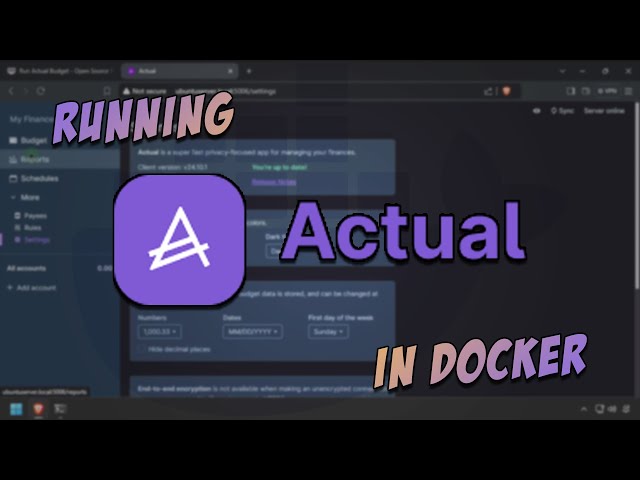
The original i12bretro video is kept through the YouTube player; it is not downloaded or rehosted.2
Install Docker
Log into Linux with sudo access and run:
| |
apt-key is deprecated on current distributions; compare the command with the current Docker documentation before using the older form.1
Run Actual
- Create the directory, create an empty
config.json, set ownership, and start the container:
| |
- Open
http://DNSorIP:5006. - Click Advanced Options.
- Check I understand the risks, then click Open Actual.
- Enter and confirm a private admin password.
- Click Start Fresh.
- Verify the Actual interface.1
Backup and verification
Back up both ~/docker/actualbudget/config.json and ~/docker/actualbudget/data before changing the image. Do not expose port 5006 directly to the Internet; use an HTTPS reverse proxy and firewall rules outside the LAN.1
Source and video
- Original tutorial: i12bretro 0969
- Original video: Run Actual Budget - Open Source Finance Management - in Docker
Sources
https://i12bretro.github.io/tutorials/0969.html — Run Actual Budget - Open Source Finance Management - in Docker (i12bretro) ↩︎ ↩︎ ↩︎ ↩︎
https://www.youtube.com/watch?v=LOsnghXY3uU — Run Actual Budget - Open Source Finance Management - in Docker (official video) ↩︎
 Run Dashy with an external conf.yml, expose port …
 Run MeshCentral with MongoDB in Docker, expose …
 Run MkDocs in Docker on port 8000, edit …
 Run OctoPrint on port 8041, pass through …
Góp Ý / Bình Luận / Đánh giá